If you have ever wondered why one internal link on your page seems to carry more SEO weight than another link pointing to the same URL, you have already run into First Link Priority. It is one of those internal linking rules that most SEO teams have heard of but very few actually check on their own site. Any digital marketing agency that runs regular site audits will tell you the same thing: internal linking is where a lot of easy SEO wins get left on the table, and First Link Priority is usually the reason why.
In this guide we will break down what First Link Priority actually means, how it works behind the scenes, what Google has said about it over the years, and how you can audit and fix it on your own website. We will also cover a related idea called Selective Link Priority, because the two get mixed up a lot and the difference matters.
What Is First Link Priority?
First Link Priority is an SEO concept that says when a single web page has more than one link pointing to the same destination URL, Google's crawler only pays attention to the anchor text of the first link it finds in the page's HTML code. Every link after that, pointing to the same URL, gets ignored for anchor text purposes, even though the links themselves may still pass some link value.
Put simply: if your homepage links to your services page twice, once from the navigation menu with the anchor text "Services" and again from the body content with the anchor text "affordable SEO services for small business," Google is likely to only register the first one it crawls. In most website layouts, that is the navigation link, and navigation anchor text tends to be short and generic rather than keyword rich.
This is not an official Google ranking factor that Google has published documentation on. It is a pattern the SEO community noticed through years of testing and observation, and it has held up well enough that most experienced SEOs still plan their internal linking around it.
How First Link Priority Actually Works?
Search engine crawlers read a page's HTML from top to bottom, the same way you would read a book. As Googlebot works through the code, it records every link and its anchor text. When it hits a second link to a URL it has already seen on that page, it typically skips recording that anchor text again, since it already has a signal for that destination.
Here is a simplified example of what this looks like in code:
In this example, the navigation link fires first because it sits higher in the source code, even though it appears in the same visual position on every page of the site. The anchor text "Services" gets the priority, while the far more descriptive "SEO services" link inside the article body gets ignored by the anchor text signal, even though a human reader would find the second link more useful.
Image Links Complicate Things Further
There is a wrinkle worth knowing. According to testing published by Zyppy, when the first link to a URL is an image rather than text, Google appears to record both the image's alt text and the anchor text of the next text link to that same destination. So if your very first link to a page is a logo or a thumbnail image with blank or unhelpful alt text, you are wasting a valuable anchor text slot.
Fragment URLs Are Treated Separately
One detail that a lot of articles on this topic skip: links to different sections of the same page, using a hash or fragment such as example.com/page#pricing and example.com/page#faq, are treated by search engines as separate destination URLs, as noted by Hosting.com. That means First Link Priority resets for each unique fragment, which is useful to know if your site uses jump links or an on-page table of contents.
First Link Priority vs Selective Link Priority
A 2023 study by the SEO tool company Zyppy pushed back a little on the strict version of this rule. Their team ran a controlled test using Google Search Console's Top Linking Text report. They built pages that were not linked from anywhere else on the internet, linked to those pages using specific anchor text combinations, and then checked which anchor text Google actually recorded.
Their finding was that Google does not always take only the very first link on a page. In some tests Google recorded two anchor texts, usually the first text link and the first image link, but rarely more than that. Zyppy calls this pattern Selective Link Priority, and it is a more accurate description of what modern Google actually does compared to the older, stricter idea that only the single first link ever counts.
For practical purposes, the two ideas point to the same advice: put your best, most descriptive anchor text as early as possible in your page's HTML, because whether Google counts just the first link or the first one or two, later links to that same URL are unlikely to add much anchor text value.
What Google Has Actually Said About It?
Google has never published an official rule confirming First Link Priority. The closest we have is a comment from Google's John Mueller during a 2018 Webmaster Central hangout, reported by Search Engine Journal. Asked directly about it, Mueller said this was not something Google had defined as always the first link, the last link, or an average of all links, and that it was left up to the algorithm to decide case by case.
Mueller also cautioned SEOs against reverse engineering a fixed rule, pointing out that even if someone worked out how Google handled it today, that behavior is not guaranteed to hold tomorrow or across every website. That is a fair warning, and it is part of why we would call this a best practice rather than a hard and fast law of SEO.
Where First Link Priority Usually Goes Wrong?
In real audits, the same handful of problems show up again and again:
Navigation menus firing first: main menus and mega menus almost always appear before body content in the HTML, so their generic anchor text often beats a much better link buried in a paragraph further down the page.
Logo and thumbnail links with empty alt text: a homepage logo linking back to the homepage, or a blog thumbnail linking to an article, often carries blank or unhelpful alt attributes.
Sidebar and footer widgets: "related posts" widgets and footer link blocks frequently sit ahead of the main content in the source code, even though visually they appear below or beside it.
JavaScript-rendered links: on sites built with React, Vue, or similar frameworks, the order of links in the rendered page can differ from the order in the original source HTML, which changes what Googlebot sees first. This is a common blind spot flagged in more recent technical SEO guides from Seer Interactive.
How to Audit Your Site for First Link Priority Issues?
You do not need expensive tools to get started, though a crawler makes the process much faster. Here is a workflow that works well for most sites:
Crawl the site with Screaming Frog SEO Spider and export the All Inlinks report, then check the Source column to see whether a link comes from the navigation, body content, sidebar, or footer.
Use Screaming Frog's Bulk Export function to pull All Anchor Text, so you can see every anchor pointing to a given URL and the order they appear in, as recommended in Screaming Frog's own internal linking guides.
For pages that already rank, check Google Search Console's Links report and the Top Linking Text data, which gives a rough sense of which anchor text Google associates with a page, similar to the method Zyppy used in their testing.
If the site runs on a JavaScript framework, compare the original HTML source against the rendered HTML using Screaming Frog's rendering mode or the browser's view-source option, to confirm link order has not shifted after rendering, a step Silverback Strategies and Seer Interactive both call out in their internal linking checklists.
List your priority pages (the ones you most want to rank), find every internal link pointing to them, and flag any case where the first link uses generic anchor text like "click here," "read more," or just a page name.
Best Practices to Fix First Link Priority Issues
Give the earliest link to an important page clear, keyword relevant anchor text instead of "click here" or "learn more."
Add descriptive alt text to any image link that appears before a text link to the same URL.
Where a navigation link cannot be changed, add a strong contextual link higher up in your page content, ideally in the first paragraph or two, so it fires before less useful links further down.
Keep anchor text natural and varied across the site. Do not force exact match keywords into every single link. A mix of branded, partial match, and natural phrase anchors reads better to both users and Google.
Re-check link order any time you redesign a template, migrate a CMS, or move to a JavaScript framework, since these changes silently reshuffle which link Google sees first.
Does First Link Priority Still Matter in 2026?
Yes, but with a caveat. Google's algorithms have gotten much better at understanding page context through natural language processing, so a single anchor text is no longer the only signal Google leans on to understand what a page is about. That said, clean, deliberate internal linking is still one of the cheapest and fastest technical SEO wins available, and it costs nothing but a bit of time to fix.
This is exactly the kind of detail that separates a basic SEO checklist from a genuine growth optimization program. Backlinks and content still do most of the heavy lifting, but a site with messy internal linking is asking Google to work harder than it needs to, and that is rarely rewarded with better rankings.
Internal Linking Inside a Bigger SEO Strategy
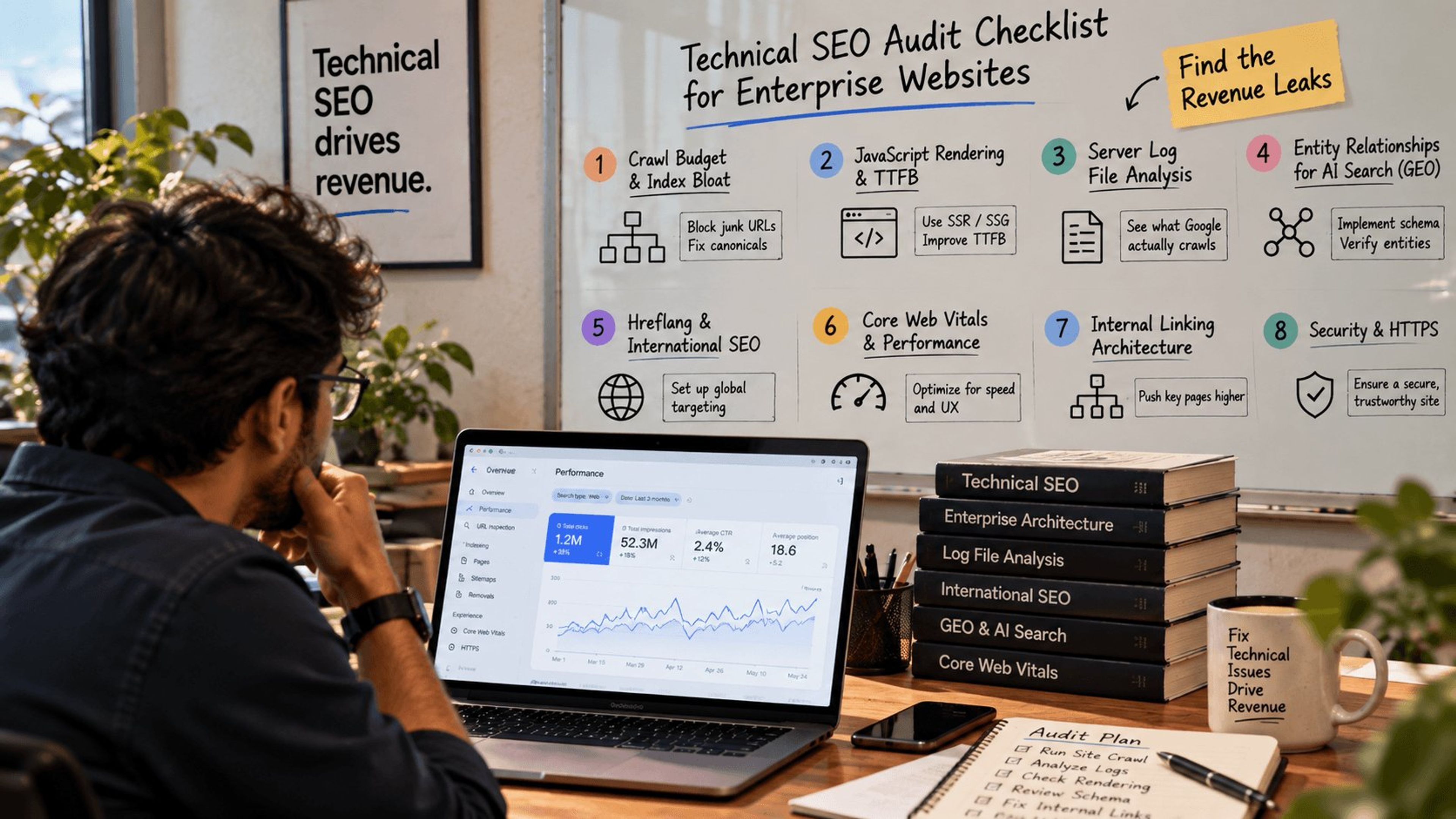
First Link Priority is a small piece of a much larger picture. A full-service digital marketing agency will usually fold this kind of internal linking audit into a broader technical SEO review, alongside crawl budget, page speed, and schema markup work. If your team does not have the bandwidth to run these audits in-house, partnering with an experienced SEO company in India can be a practical, cost-effective way to get a proper internal link audit done on a recurring basis rather than as a one-off.
It is also worth remembering that internal linking discipline is not just an organic SEO concern. Teams running PPC services alongside organic SEO should still apply the same anchor text discipline on landing pages, since a confusing internal link structure can hurt Quality Score and user experience just as much as it hurts organic rankings. And as more brands invest in video services to produce explainer content and product demos, those video landing pages deserve the exact same first link priority attention as any blog post or category page, since they are often linked to from multiple places on a site with wildly different anchor text.
None of this replaces strong content or a solid backlink profile. But if you are already investing in SEO services, cleaning up something as small as link order costs very little and closes an easy gap that a lot of competitors never bother to check.
Conclusion:
First Link Priority will not make or break your rankings on its own, but ignoring it means leaving some of your best anchor text opportunities pointed at pages that never get credit for them. Audit your priority pages, fix the obvious navigation and image link issues, and treat clean internal linking as part of your everyday SEO services rather than a one-time project. It is a small habit that, over time, adds up to a noticeably healthier site.
Explore Services & Solutions
SEO Services Hub
Access our comprehensive vertical strategies, core processes, and expert resources.
View service hub Specialized SolutionEnterprise Technical SEO
Drive high-intent organic traffic with our advanced technical auditing and optimization frameworks.
Learn moreReady to grow your digital presence?
Connect with our execution specialists for a customized roadmap.