More and more people are finding businesses through AI tools like ChatGPT, Google's AI answers, and Perplexity — instead of scrolling through a list of search results. When someone asks one of these tools a question, it reads websites in the background and then gives a single, helpful answer. The question for you is simple: when that happens, is your website easy for AI to read and trust?
Right now, most websites are built only for human eyes. The good news is that making your site AI-friendly is mostly small, behind-the-scenes housekeeping — not a redesign. Below are 10 things you can do, each explained without the tech-speak. You don't need to do them yourself; you can hand this list to whoever manages your website. Think of them as labels and signposts that help AI find, read, and correctly credit your content.
The big idea in one sentence
AI tools can only recommend what they can easily find, read, and understand these 10 steps make your website easy on all three counts.
Top 10 Things That You Can Do to get AI Citations in 2026
1. Add an “llms.txt” file
This is a short text file you place on your website that acts like a welcome map for AI tools. It points them to your most important pages and content.
What it does: Helps AI systems quickly understand what your site is about and where your best, most useful information lives.
In plain terms: It's the equivalent of handing a visitor a one-page directory at the front door, so they don't have to wander around to find what matters.
Official guide: https://llmstxt.org/
2. Offer a clean text version of your pages (Markdown)
Web pages are usually full of menus, ads, pop-ups, and code that AI has to wade through. This lets AI request a stripped-down, plain-text version of the same page.
What it does: Lets AI agents read a clean copy of your content, which improves how accurately they quote and credit you.
In plain terms: It's like giving someone the article itself instead of the whole cluttered newspaper page it was printed on — easier to read, easier to quote correctly.
Official guide: https://developers.cloudflare.com/fundamentals/reference/markdown-for-agents/
3. Set the rules in your “robots.txt” file
Every website has a small file that tells automated visitors what they're allowed to look at. You can update it to set clear rules for AI crawlers specifically.
What it does: Lets you decide which AI bots can access your content and how — so you stay in control instead of letting everything happen by default.
In plain terms: Think of it as the posted rules at your entrance: who's welcome, where they can go, and what's off-limits.
Official guide: https://developers.cloudflare.com/bots/additional-configurations/managed-robots-txt/
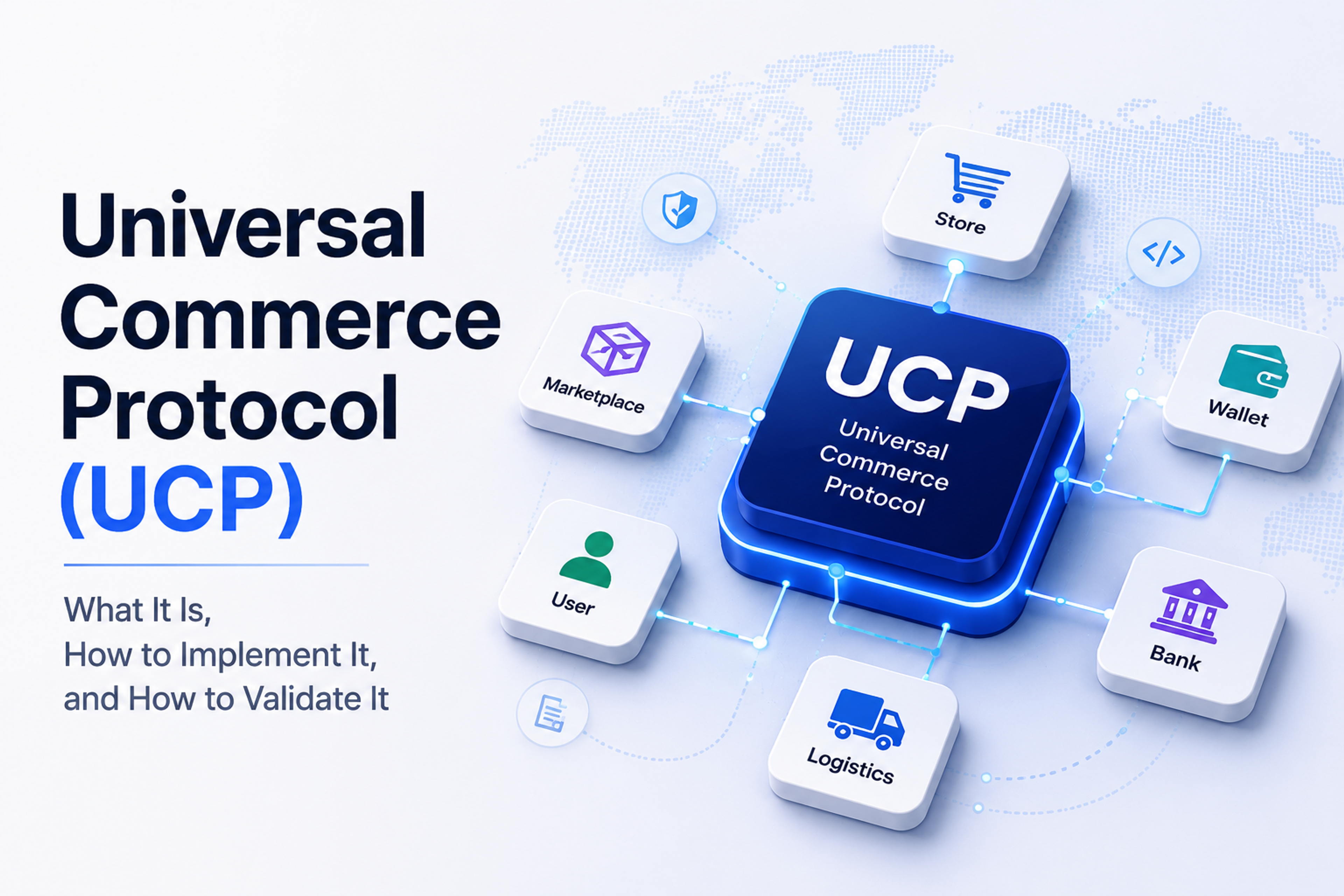
4. Use the Universal Crawl Protocol (UCP)
A newer standard that lets you give AI crawlers clear instructions about your crawling preferences, how your content may be used, and how you'd like to be credited.
What it does: Provides structured guidance on content access, attribution, and usage permissions — especially useful for shops and content-heavy sites.
In plain terms: It's a more detailed rulebook than robots.txt — not just “can you come in,” but “here's how to use what you find, and please credit us.”
Official guide: https://developers.google.com/merchant/ucp
5. Use the AI Control Protocol (ACP)
A standard that lets you, as the website owner, spell out AI-specific permissions — what's allowed, what's restricted, and how your content should be attributed when used.
What it does: Lets you communicate restrictions, attribution requirements, and content-usage preferences directly to AI systems.
In plain terms: Like adding fine print to your welcome sign that says exactly how your work may and may not be used — so your content is respected, not just taken.
Official guide: https://www.agenticcommerce.dev/docs
6. Connect with WebMCP
A way to offer AI tools an organized “doorway” to your website's data, so they can pull structured information reliably rather than guessing from the page.
What it does: Improves how easily AI can read your data and build integrations with your site.
In plain terms: Instead of an AI scraping your page and hoping it got things right, you hand it a tidy, labeled set of facts — fewer mistakes, better answers.
Official guide: https://modelcontextprotocol.io/
7. Use Semantic HTML (proper page structure)
This is about building pages with the correct labels for each part — this is a heading, this is a menu, this is the main article, this is a footer — instead of leaving everything unlabeled.
What it does: Helps AI understand your page's structure, what's important, and how the pieces relate to each other.
In plain terms: It's the difference between a well-organized document with clear headings and a wall of unlabeled text. Labels help both people and machines find their way.
Official guide: https://developer.mozilla.org/en-US/docs/Glossary/Semantics
8. Keep your XML Sitemap up to date
A sitemap is a behind-the-scenes list of all the pages on your website. Keeping it current and complete helps both search engines and AI tools discover everything you've published.
What it does: Improves content discovery for search engines and AI crawlers alike — nothing important gets missed.
In plain terms: It's the full table of contents for your site. If a page isn't on the list, it's easy to overlook.
Official guide: https://www.sitemaps.org/protocol.html
9. Add Structured Data (Schema markup)
Schema is a small set of hidden labels you add to your pages that spell out exactly what things are — this is a product, this is its price, this is a review, this is our address, this is the author. Search engines and AI tools read these labels directly.
What it does: Helps AI clearly identify the key facts on your page — prices, reviews, events, people, business details — instead of guessing them from the text.
In plain terms: It's like attaching a neat label to every item in a shop. Instead of a visitor squinting to figure out what something is and what it costs, the answer is written right on the tag.
Official guide: https://schema.org/ · https://developers.google.com/search/docs/appearance/structured-data/intro-structured-data
10. Write clear questions and answers (FAQ content)
Add short, direct question-and-answer sections to your important pages — real questions your customers ask, each followed by a brief, plain answer. This is exactly the format AI tools pull from when they respond to people.
What it does: Makes your content easy for AI to lift as a direct answer, increasing the chance your business is the response someone sees.
In plain terms: AI tools are answering questions all day. If your page already has the question and a clean answer side by side, you've done their work for them — and they're far more likely to use yours.
Official guide: https://developers.google.com/search/docs/appearance/structured-data/faqpage
Where to Start
You don't have to do all eight at once. If you want the fastest wins with the least effort, start here:
- This week: update your robots.txt rules, and make sure your XML sitemap is current. These two are quick and give you control and discoverability right away.
- This month: add an llms.txt file and turn on clean text (Markdown) versions of your top pages. These make the biggest difference to how accurately AI reads and credits you.
- When you're ready: tidy up your page structure (semantic HTML) and explore UCP, ACP, and WebMCP — especially if you run a shop or offer data and tools.
Hand this list to whoever manages your website and ask them to work through it. Most of these are one-time setups that quietly keep paying off — making sure that when people ask AI about what you do, your business is one of the answers.
Explore Services & Solutions
SEO Services Hub
Access our comprehensive vertical strategies, core processes, and expert resources.
View service hub Specialized SolutionAI Search Optimization (GEO)
Prepare your website for AI engines like ChatGPT, Gemini, and Search Generative Experience.
Learn moreReady to grow your digital presence?
Connect with our execution specialists for a customized roadmap.