Finding high quality free vector design resources online can often feel frustrating. You need crisp graphics for a client project, but every site asks for a premium subscription right when you click download. Whether you are building a new app interface, designing a logo, or creating marketing materials, having access to free icons and vector art is an absolute requirement.
This guide breaks down the best platforms offering free downloads for commercial and personal use, the exact file types you need, and how to choose the right tools for your creative workflow.
Once your design is complete, you will naturally want people to see it. If you need help getting visitors to your newly designed landing pages, check out the tools available at Traficxo.
Why Use Vector Graphics?
Before looking at the websites, it helps to understand why vector art is so highly searched. Unlike standard photographs or web images, vector graphics use mathematical points, lines, and curves to create shapes.
This format allows you to resize an SVG or EPS file infinitely without losing any quality. If you scale up a standard JPEG image, it becomes blurry and pixelated. If you scale up a vector file, the edges remain perfectly sharp. This scalability is exactly why web developers, UI designers, and print publishers rely heavily on vector formats.
Top 12 Websites for Free Vector Art and Icons
Here is a detailed look at the best platforms dominating the graphic design space right now.
1. Vecteezy
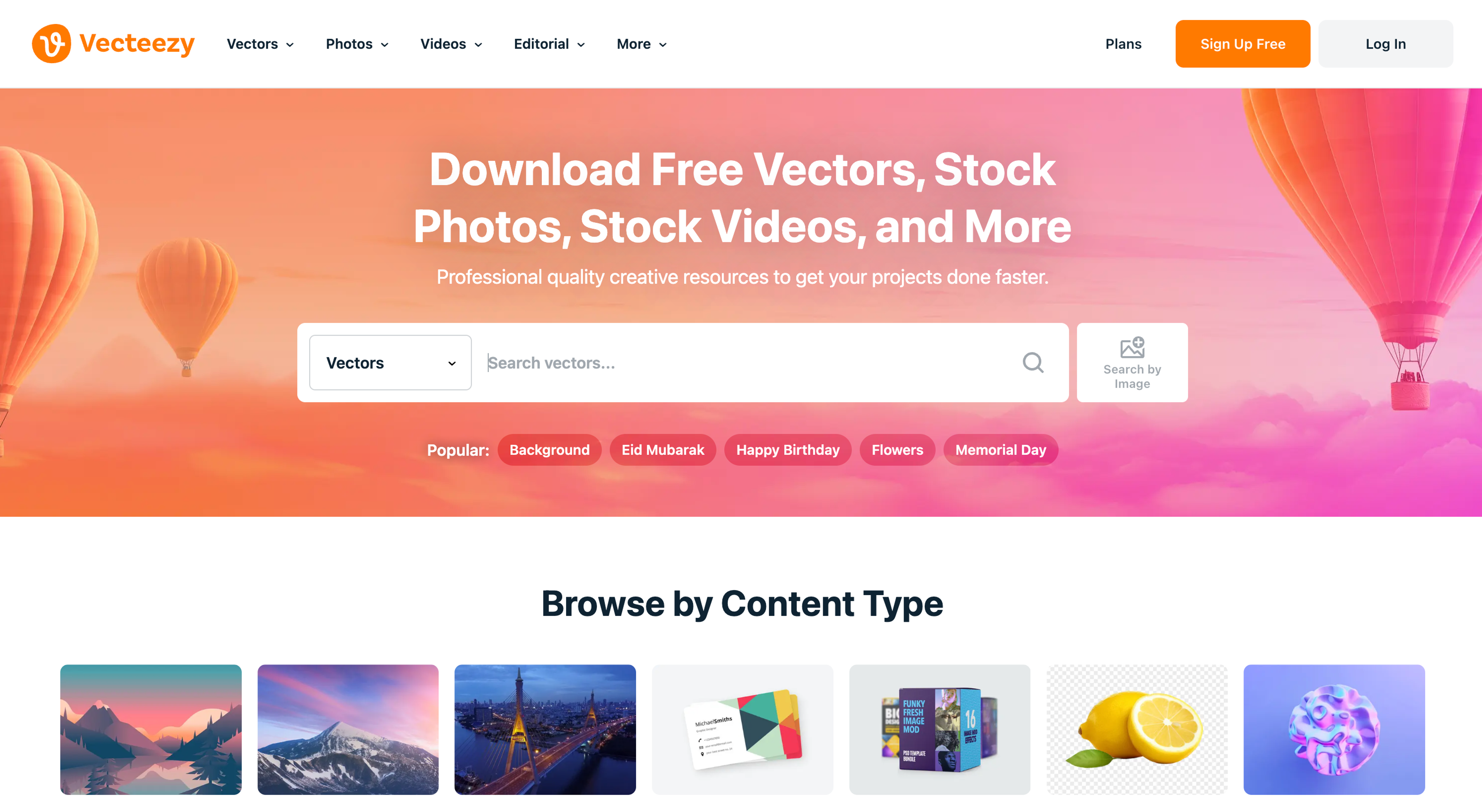
Vecteezy remains one of the most popular platforms for free vector graphics. It boasts a massive library of standard vector art, stock templates, illustrations, and background designs. The platform is highly favored because of its intuitive search and filtering options. You can easily filter results by license type, which saves a lot of time when you specifically need commercial use files.
Vecteezy is one of the most searched platforms for free vector graphics and vector art. It offers thousands of:
- SVG files
- Background graphics
- Illustrations
- Stock vectors
- Design templates
You can filter by license type, making it easy to find vectors for commercial projects.
Best for: General vector art, backgrounds, and marketing templates.
2. The Noun Project
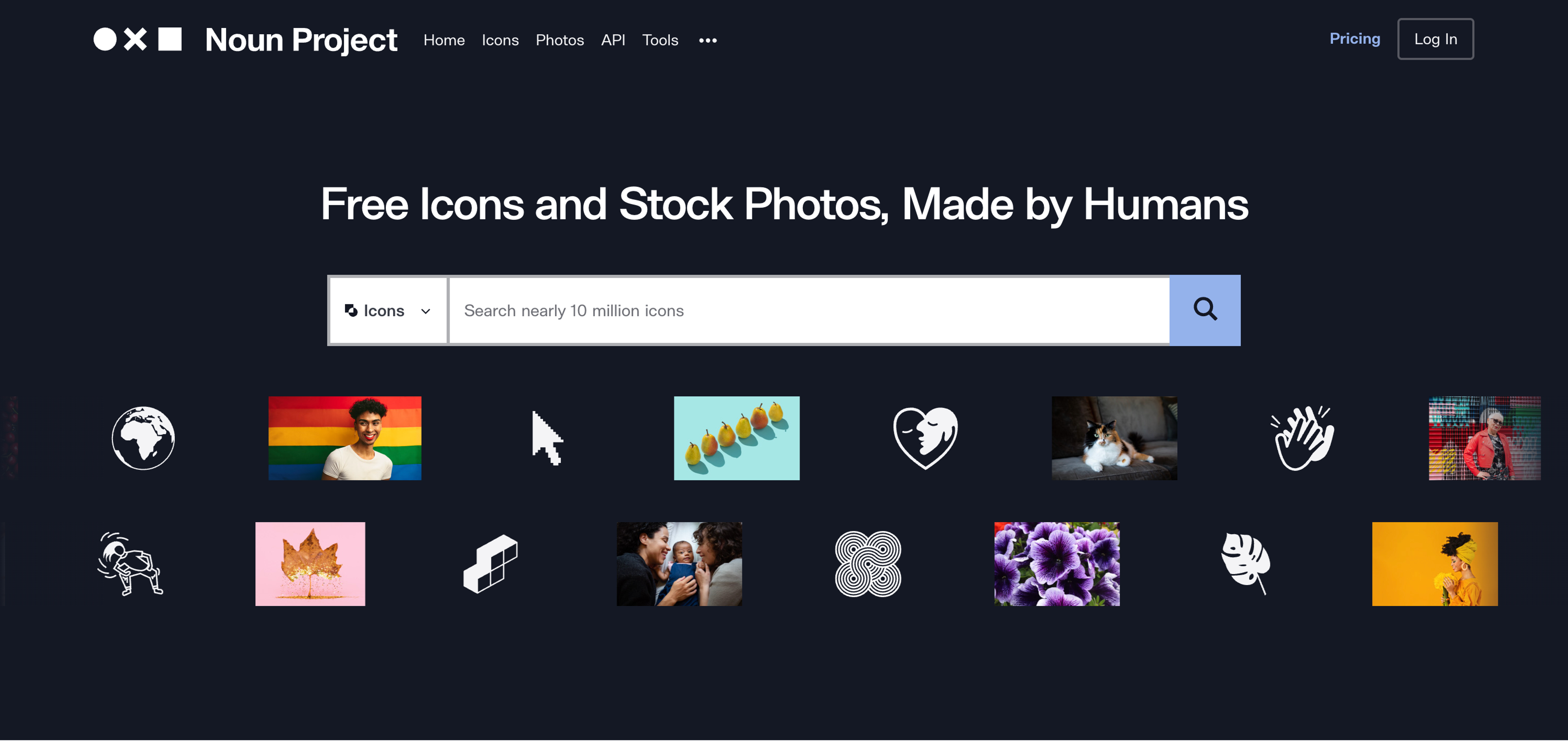
With thousands of searches every month, The Noun Project is the definitive source for UI and UX designers. This platform focuses entirely on high quality icons. The creator community uploads thousands of minimalist, flat design icons every single day. Most icons are available as free downloads with a requirement to credit the original creator.
The Noun Project is one of the largest icon libraries online. Designers love it for:
- Minimalist icons
- UI/UX icon sets
- SVG icon downloads
- Customizable vector icons
Many icons are free with attribution, and a premium option removes attribution requirements.
Best for: Minimalist user interface icons and app design.
3. Magnific (formerly Freepik)
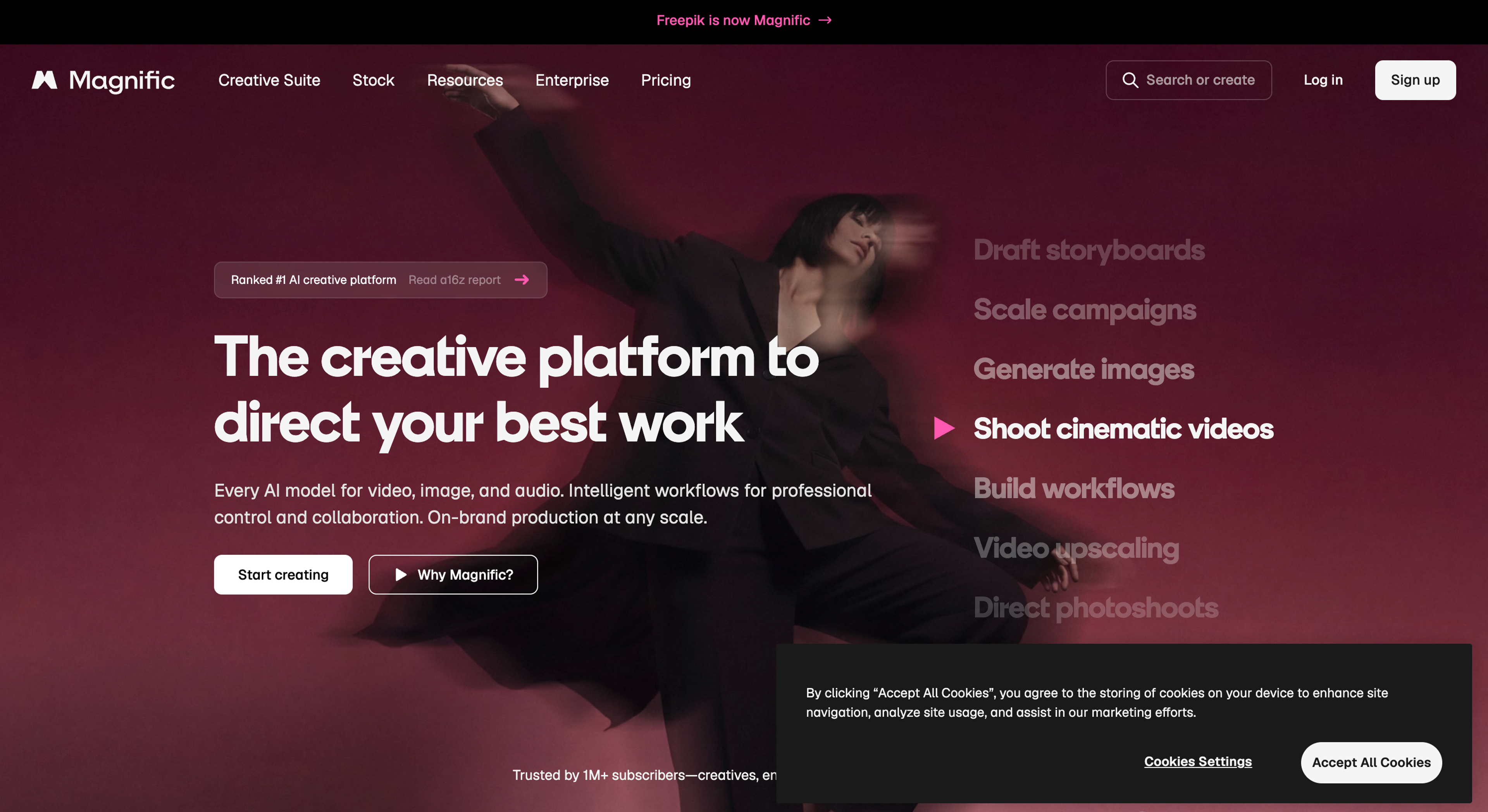
Freepik is a massive search engine for all kinds of graphic resources. While they offer photos and PSD files, their free vector design library is incredibly vast. You will find everything from detailed character illustrations to corporate flyer templates. Just keep a close eye on the licensing, as many of their free assets require you to include an attribution link on your website or printed material.
Freepik provides:
- Free vector designs
- PSD templates
- Icons
- Illustrations
- Background graphics
While some resources require attribution, it remains one of the biggest platforms for vector graphics.
Best for: All in one graphic resources and complex illustration templates.
4. Pixabay
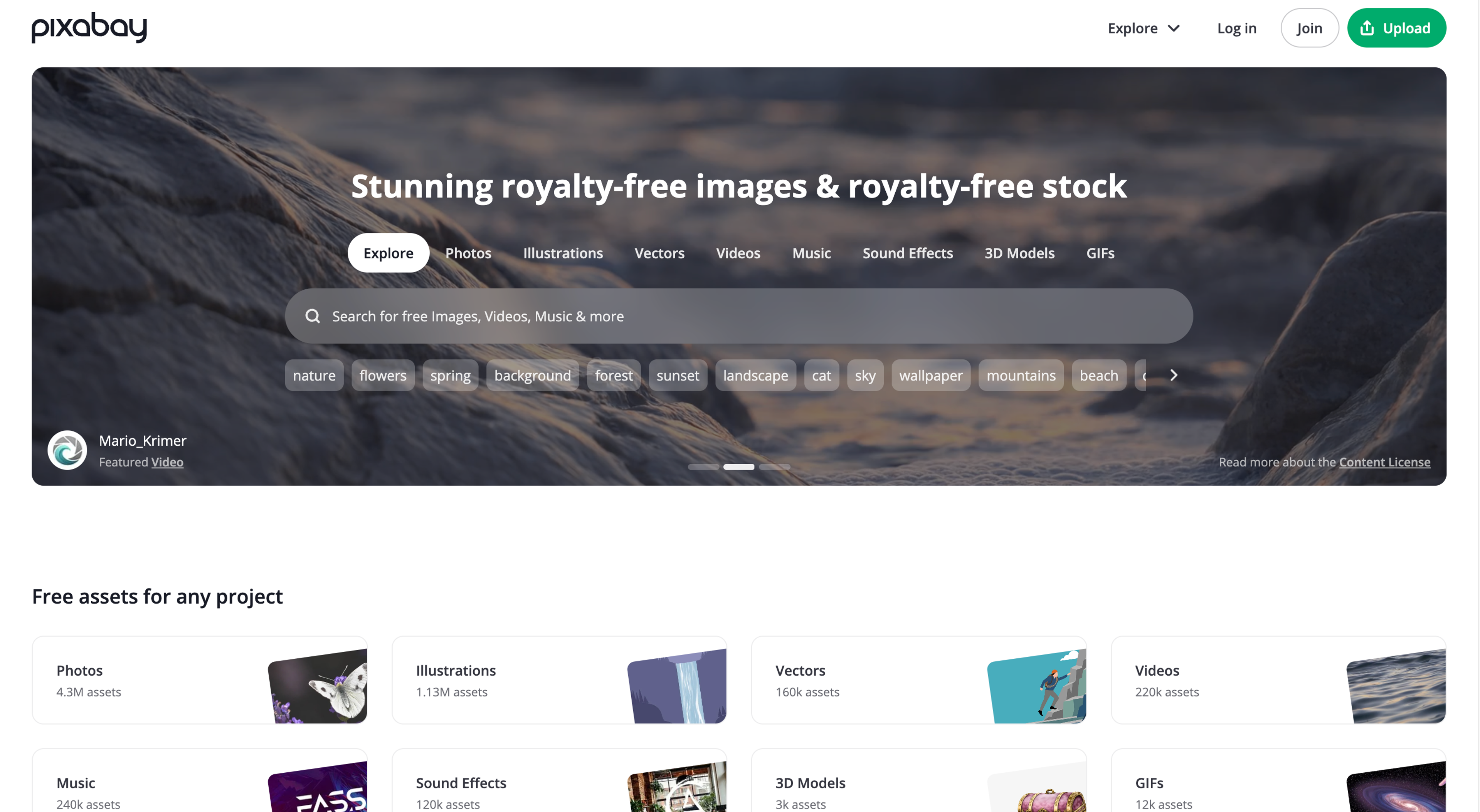
Most people know Pixabay for its free stock photography, but it also houses a fantastic library of free vector illustrations. The biggest advantage of using Pixabay is its licensing model. Everything on the site is released under a license that allows for free commercial use without any attribution required. This makes it a very safe choice for business projects.
Best for:
Pixabay isn’t just for photos. It also offers:
- Free vector illustrations
- SVG graphics
- Icon sets
- Design elements
Everything is free for commercial use without attribution.
Best for: Worry free commercial use graphics.
5. SVG Repo
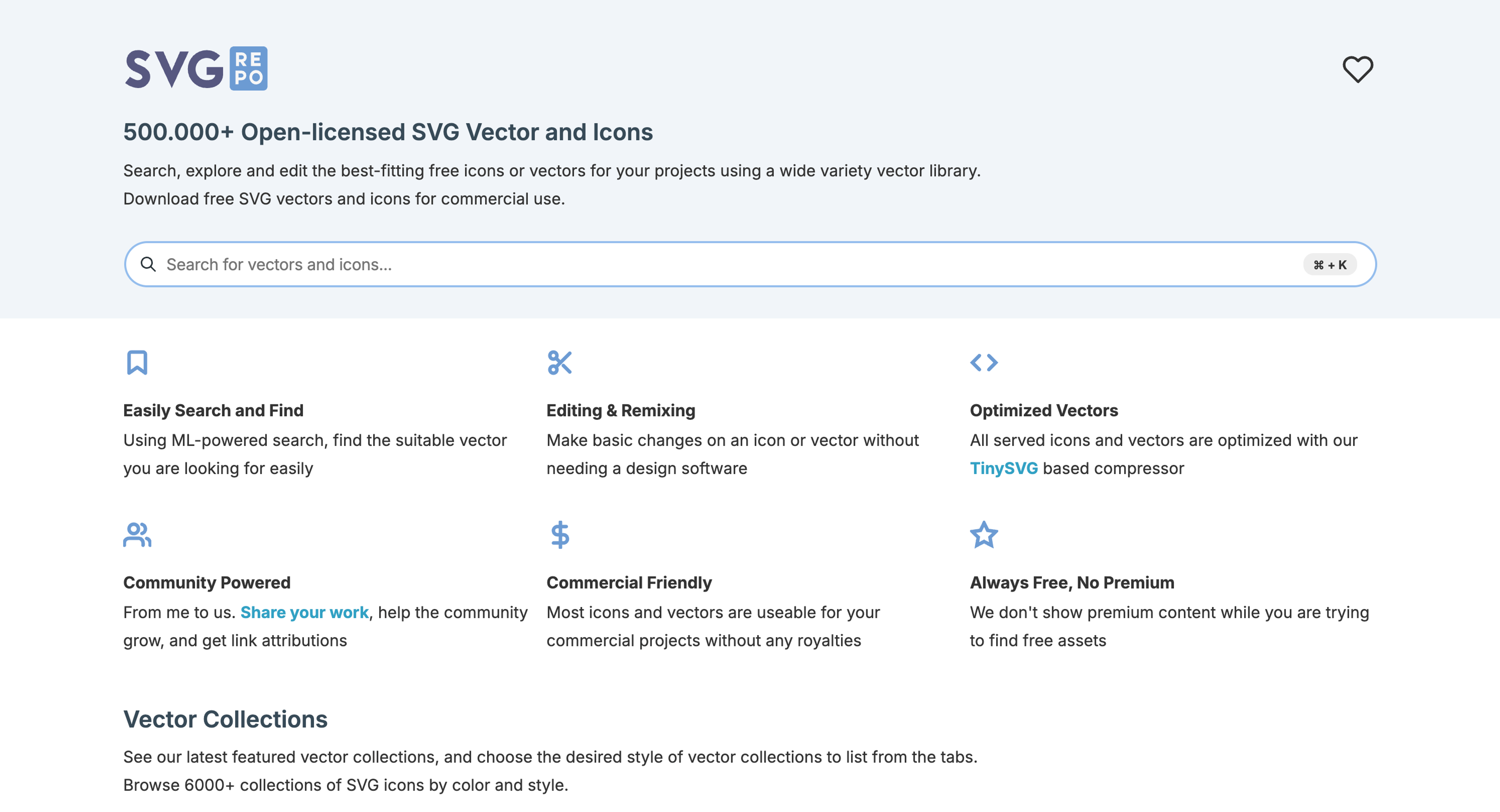
SVG Repo is built with web developers in mind. It offers over 500,000 free SVG vectors and icons. You do not even need to create an account or sign up to start downloading. The platform allows you to customize the colors of the icons directly in your browser before you download the file.
SVG Repo offers 500,000+ free SVG vectors and icons. Features include:
- Instant SVG downloads
- Customizable color options
- No signup required
- Free commercial usage
Perfect for developers and web designers.
Best for: Developers needing clean, optimized SVG files for website code.
6. Vexels
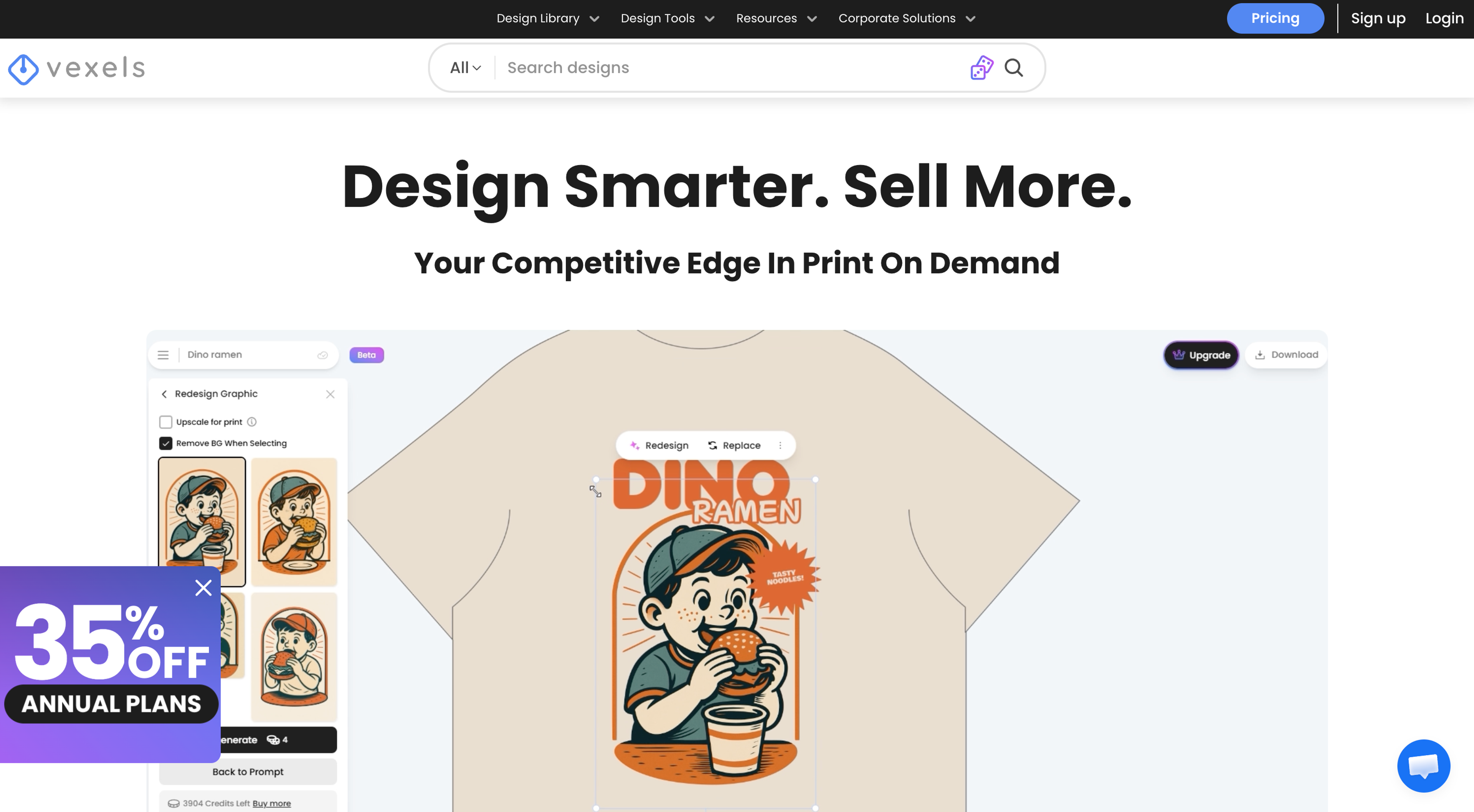
Vexels targets a very specific audience. It is heavily focused on print on demand sellers and merchandise designers. While it is primarily a premium service, it features a dedicated free section packed with vector illustrations and print ready designs. If you are designing t-shirts, mugs, or tote bags, this is a great starting point.
Vexels offers a free section with:
- Vector illustrations
- Print-ready designs
- Commercial-use graphics
Ideal for POD (print-on-demand) sellers.
Best for: T-shirt designs and merchandise vector art.
7. Flaticon
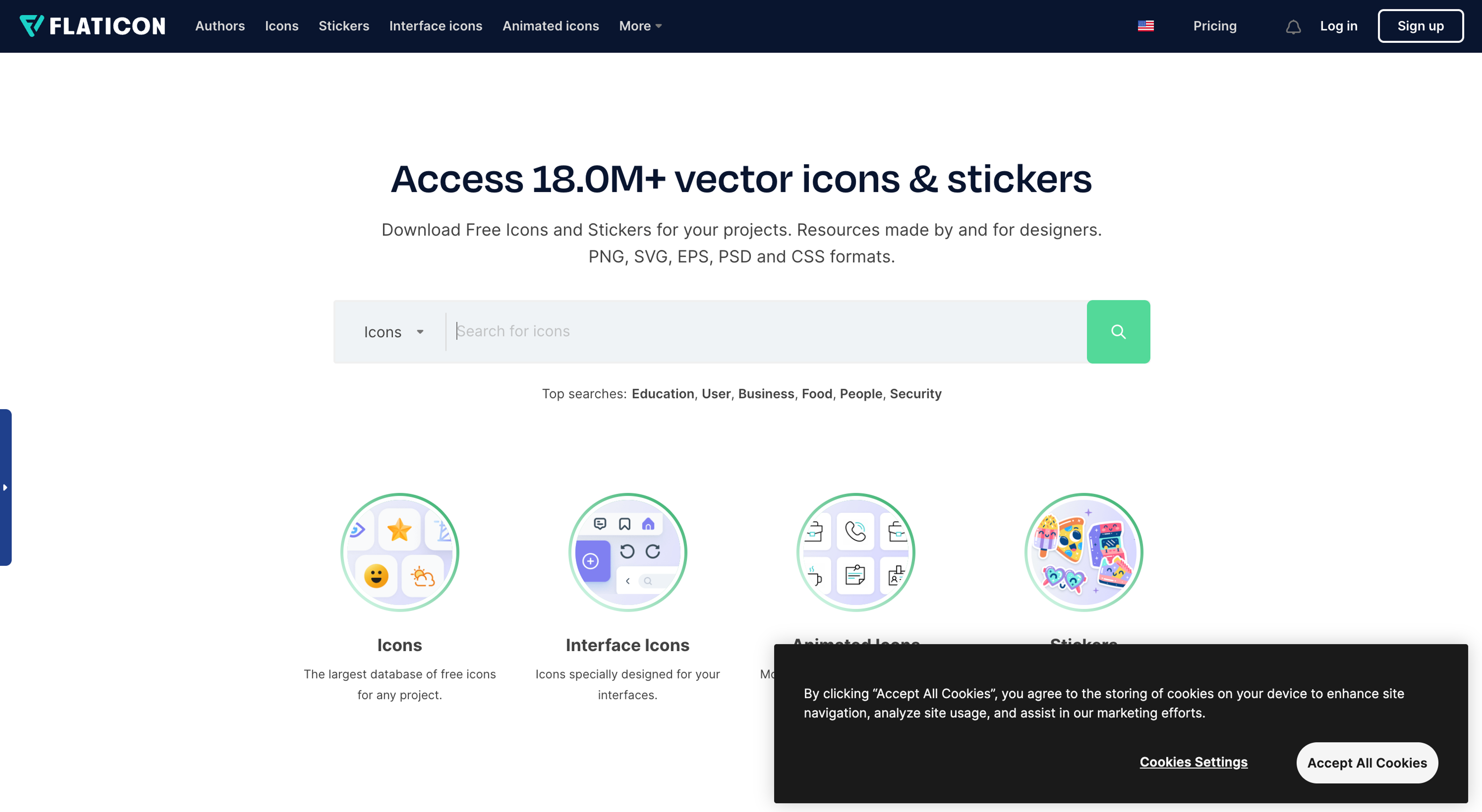
Owned by the same parent company as Freepik, Flaticon is arguably the largest database of free icons on the internet. The site organizes millions of editable vector icons into cohesive style packs. This means if you need 20 different icons for a website menu, you can download a single pack to ensure the design style remains consistent across your whole site.
Owned by Freepik, Flaticon provides:
- Millions of vector icons
- Editable SVG and PNG formats
- Icon packs by style
Free downloads require attribution.
Best for: Large, cohesive icon collections.
8. VectorStock
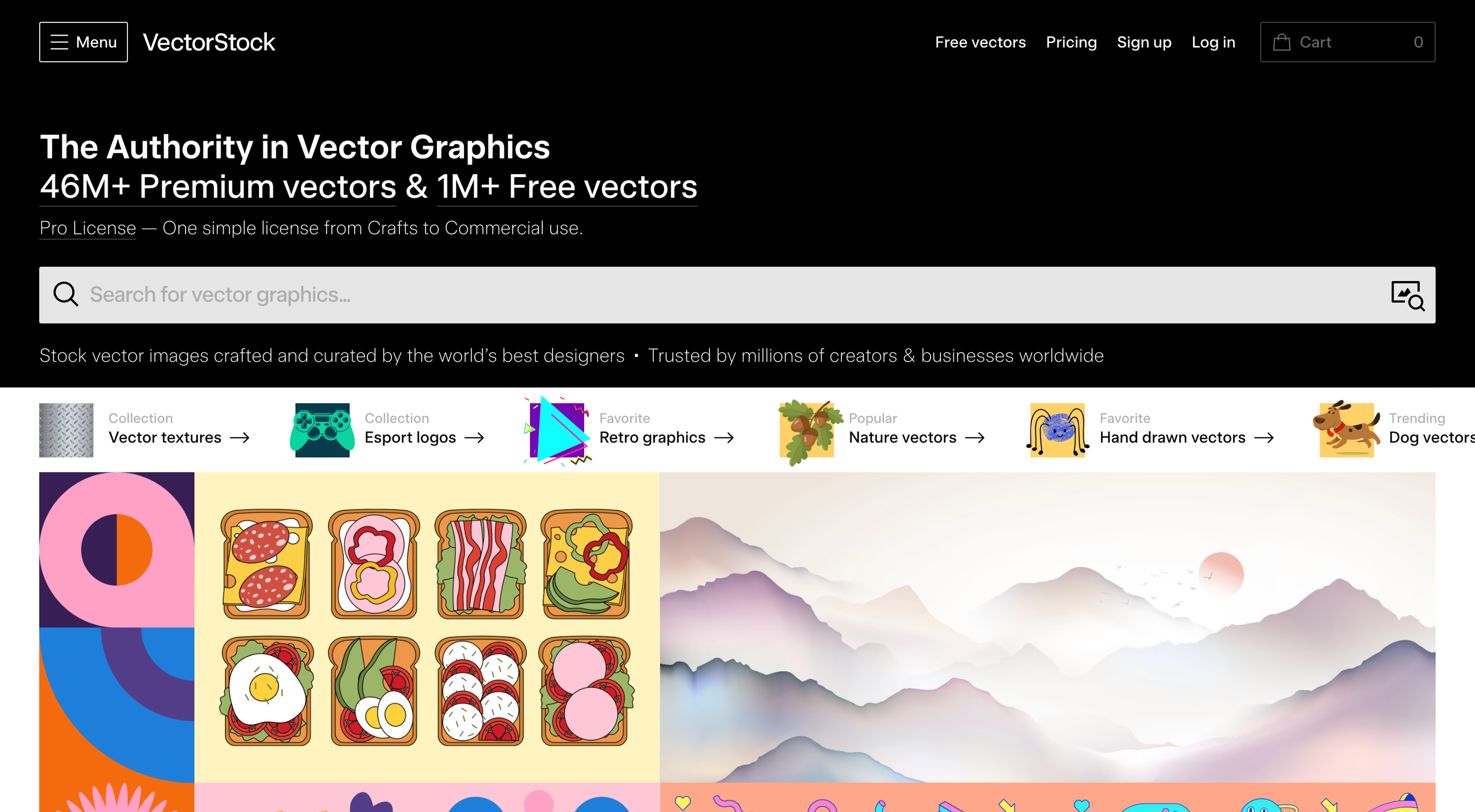
VectorStock positions itself as a premium marketplace, but it maintains a highly curated free vectors section. The quality control here is very high. You will find professional grade logos, intricate background vectors, and polished graphic templates that look like they were pulled right from an expensive design agency.
While primarily premium, VectorStock offers a curated free vector section including:
- Logos
- Graphic templates
- Background vectors
- Illustrations
Best for: Professional grade corporate graphics and logo elements.
9. Public Domain Vectors
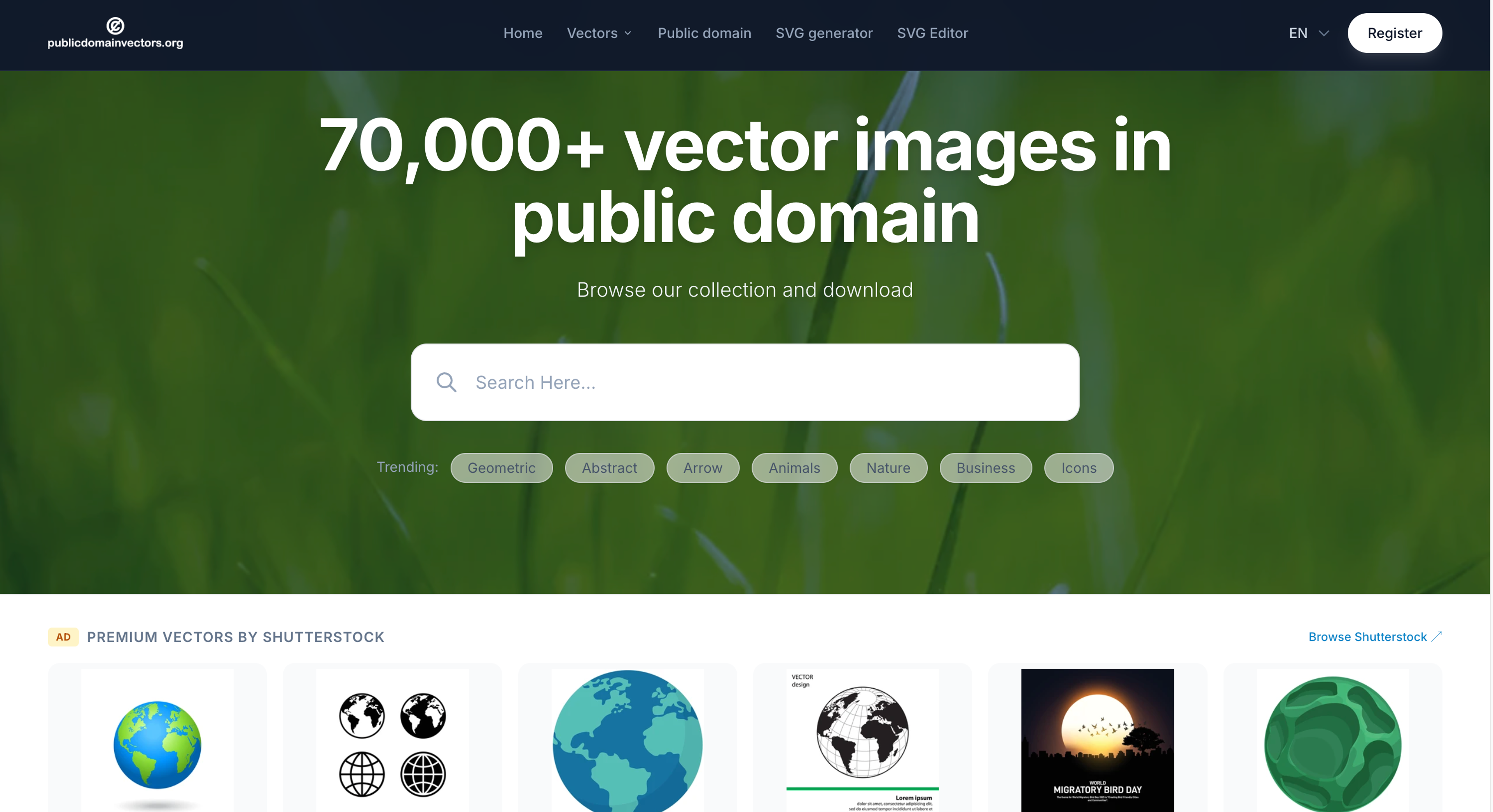
If you want to avoid licensing headaches entirely, Public Domain Vectors is the answer. Every single piece of clipart, icon, and illustration on this site is public domain. This means the creators have waived all copyright claims. You can modify, distribute, and use these free downloads for commercial purposes without ever providing attribution.
All resources are:
- Public domain
- Free for commercial use
- No attribution required
The library includes clipart, icons, and vector illustrations.
Best for: Completely unrestricted, copyright free graphics.
10. Undraw
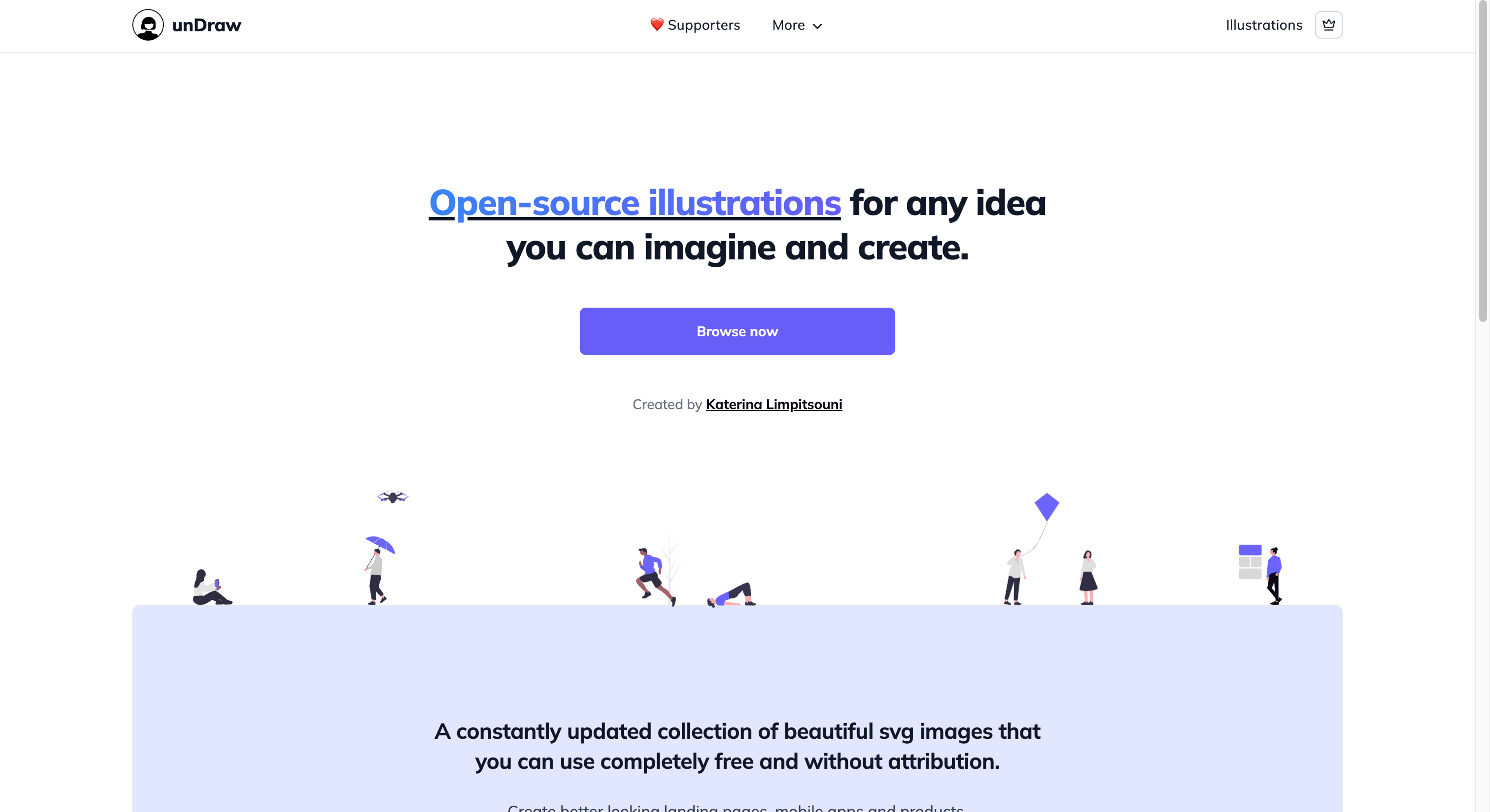
Undraw revolutionized the way startup websites look. It provides a constantly updating library of modern, open source SVG illustrations. The standout feature of Undraw is the color picker tool at the top of the site. You enter your brand's primary hex color code, and the entire website updates every illustration to match your brand. You can then download the perfectly colored SVG file instantly.
Undraw provides:
- Free customizable SVG illustrations
- Startup-style vector art
- Web-friendly designs
You can change illustration colors before downloading.
Best for: Modern website illustrations and landing pages.
11. DrawKit
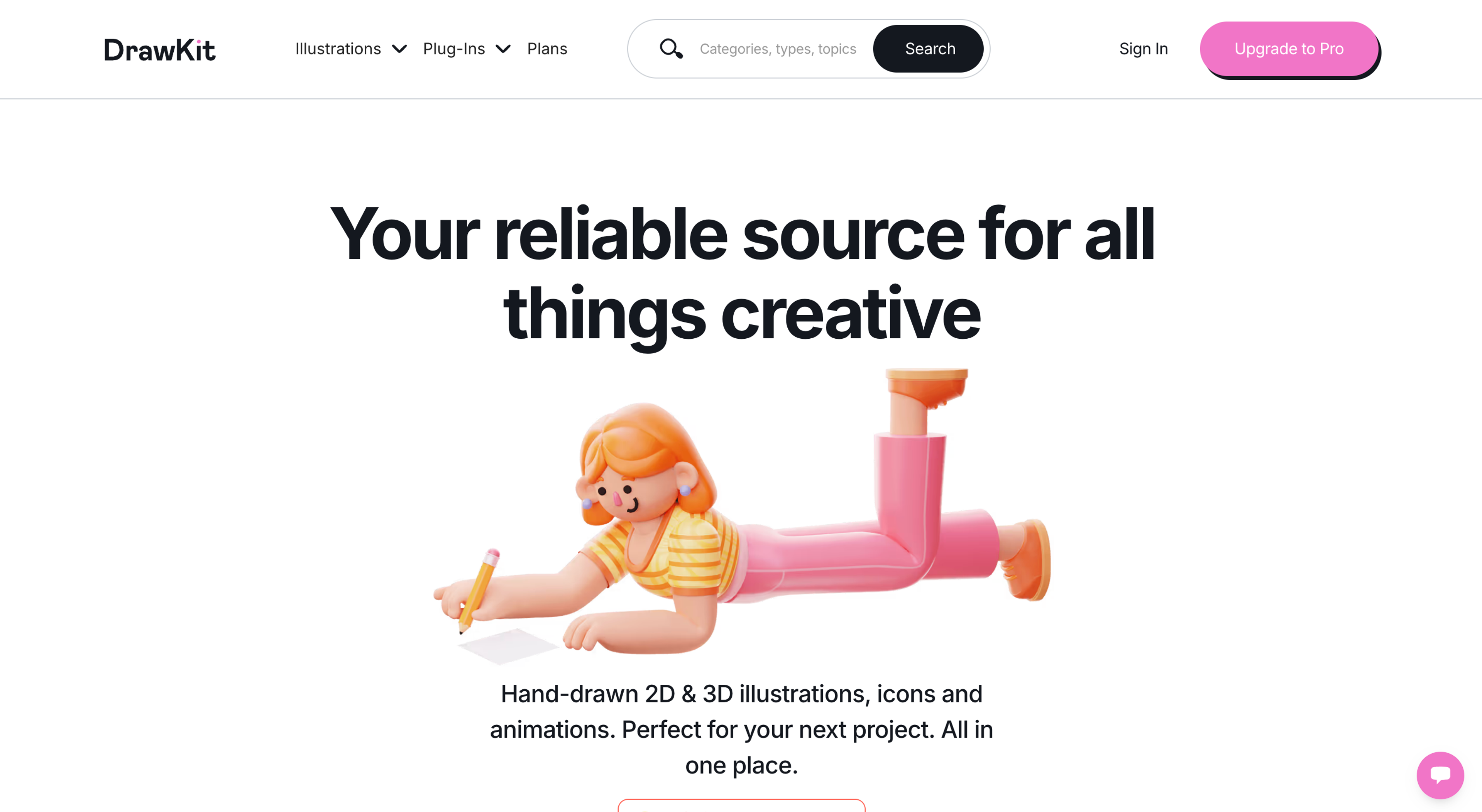
Similar to Undraw, DrawKit focuses on providing clean, modern vector art styles. The platform offers excellent free collections specifically tailored for SaaS companies, startup landing pages, and app marketing graphics. The illustrations often come in two styles (black and white or fully colored), giving you flexibility in how you use them.
DrawKit offers free vector illustrations for:
- Landing pages
- Apps
- Marketing graphics
Modern and clean vector art styles.
Best for: Startup marketing materials and app onboarding screens.
12. Inkscape: Build Your Own Vectors
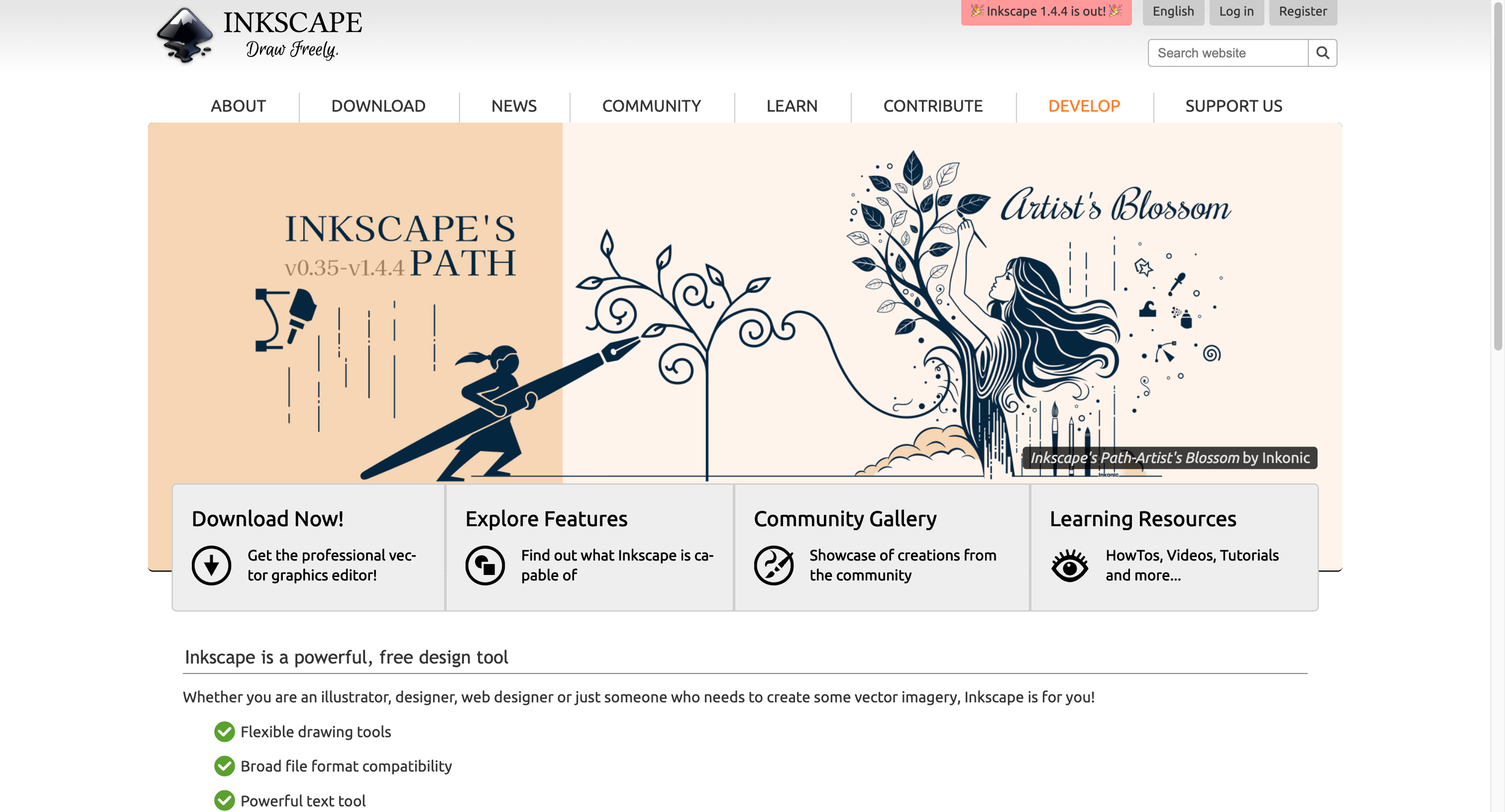
Sometimes, pre-made graphics just will not work for your specific vision. When you need total creative control, Inkscape is the tool to use.
Inkscape is a highly popular, open source vector graphics editor. It is entirely free to download and use on Windows, Mac, and Linux. With Inkscape, you can edit existing SVG files, draw custom shapes, design logos from scratch, and create intricate typography. It offers features comparable to expensive software like Adobe Illustrator, making it a favorite among freelance designers on a budget.
Features include:
- SVG editing
- Vector drawing tools
- Icon creation
- Logo design
- Free and open-source
It’s one of the most searched vector tools online.
Understanding Graphic Licenses
When you download free icons or vector art, you must always verify the license. Using a copyrighted image incorrectly can lead to legal issues for your business. Here are the three main types of licenses you will encounter:
- Attribution Required: You can use the graphic for free, but you must publicly credit the artist. This usually means adding a link to the artist's profile in your website footer or video description.
- Free for Personal Use: You can use the file for your own personal projects, like a school presentation or a personal blog that does not make money. You cannot use it to sell a product or promote a business.
- Free for Commercial Use: The holy grail of free downloads. You can use these graphics on paid client work, merchandise, and business marketing materials. Always look for CC0 (Creative Commons Zero) or public domain tags for the safest commercial usage.
Choosing the Right File Format
Vector sites usually offer several download options. Knowing which file to pick is essential for your workflow:
- SVG (Scalable Vector Graphics): The standard format for the web. Use this if you are building a website or app.
- AI (Adobe Illustrator): A proprietary file type. Only download this if you plan to edit the graphic using Adobe Illustrator.
- EPS (Encapsulated PostScript): A highly compatible vector format. Almost all vector design software, including Inkscape, can open and edit EPS files.
- PNG: While technically not a vector, many sites offer PNG downloads of their vector art. PNGs have transparent backgrounds and are ready to be dropped straight into a social media post or document without any special software.
Next Steps for Your Website
Great design is just the first step in building a successful online presence. Once you have utilized these free vector design platforms to build a beautiful website, your next priority is visibility.
Graphic design helps convert visitors into customers, but you need an active strategy to get those visitors to show up in the first place. You can discover proven methods to increase your site metrics by visiting the Traficxo blog, where you will find resources tailored to growing your digital footprint.
Explore Services & Solutions
Graphic Design Hub
Access our comprehensive vertical strategies, core processes, and expert resources.
View service hub Specialized SolutionUI/UX Landing Page Design
Convert visitors into buyers with premium vector graphics, brand design, and UI/UX structures.
Learn moreReady to grow your digital presence?
Connect with our execution specialists for a customized roadmap.