Whether you are a startup founder or an aspiring software engineer, understanding how the internet works is a massive advantage. Every digital interaction relies on web development.
But what is web development exactly, and how do you transition from understanding the concept to actually writing your own code?
In this expert guide, we will break down the fundamental architecture of the web and walk you through the exact steps to code a website from scratch.
Part 1: What is Web Development?
At its core, web development is the process of building, programming, and maintaining websites and web applications. It is the technical engineering that happens behind the scenes to make a website look great, work fast, and perform well in search engines.
The industry is divided into three primary disciplines:
- Front-End Development (Client-Side): This is what the user sees and interacts with. It involves taking a visual design and building it using HTML, CSS, and JavaScript. Front-end developers ensure the site is responsive across mobile and desktop devices.
- Back-End Development (Server-Side): This is the invisible engine that powers the site. It manages the database, server logic, and secure APIs. Back-end languages include Python, Node.js, and PHP.
- Full-Stack Development: This refers to developers or agencies that handle both the front-end interface and the back-end infrastructure.
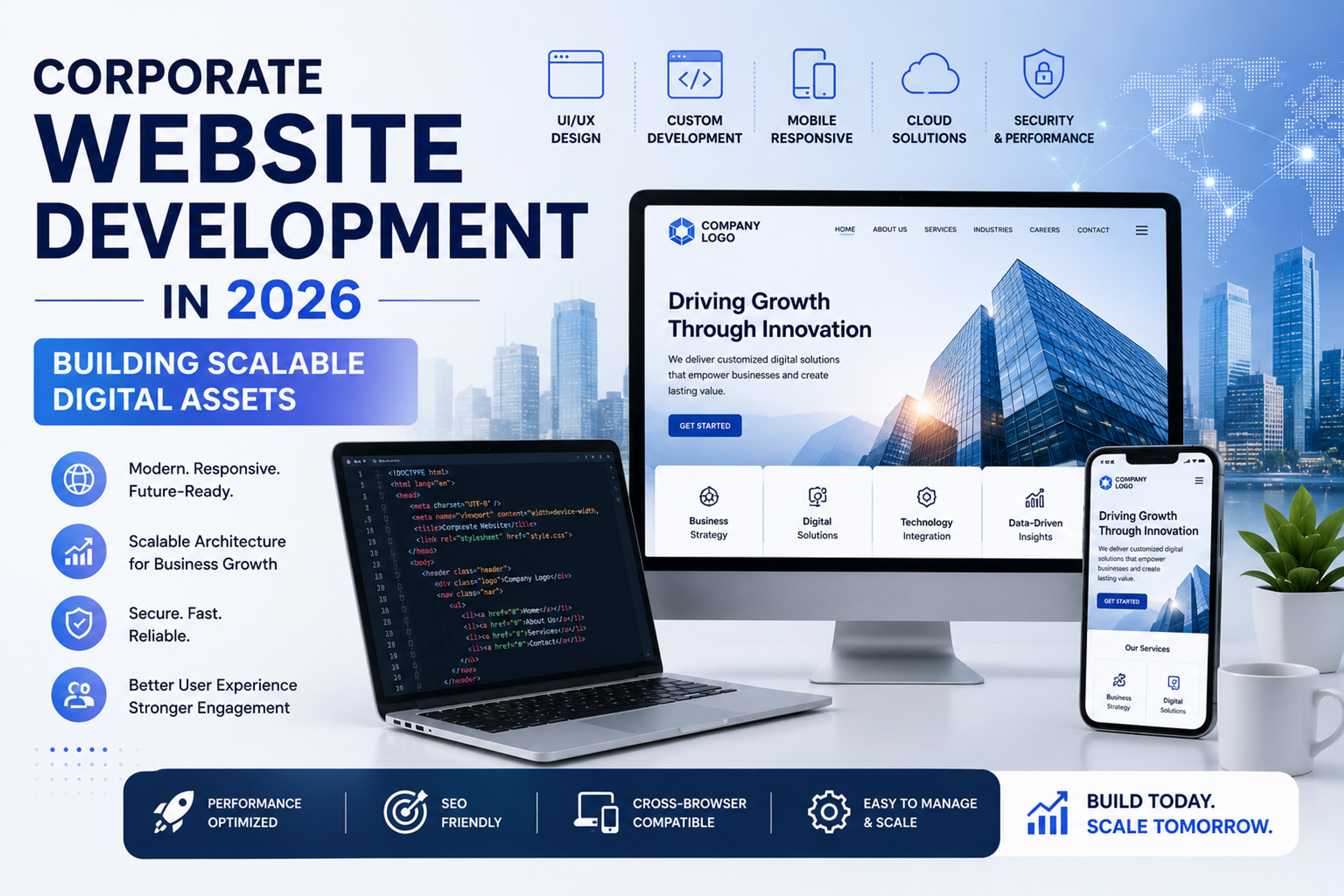
When scaling a business, understanding these components helps you make better technical decisions. If your company needs an enterprise level overhaul, you can explore the technical requirements in our guide on corporate website development in 2026.
Part 2: How to Code a Website in 3 Steps
If you want to learn how to code a website, you must master the "Big Three" foundational languages. Here is how they work together to create a functional web page.
Step 1: Build the Structure with HTML
HTML (HyperText Markup Language) provides the skeleton of your webpage. It tells the browser what content is a heading, a paragraph, or an image.
Here is the basic structure of every website. You can save this text in a file named index.html and open it in your browser:
Step 2: Style the Interface with CSS
CSS (Cascading Style Sheets) controls the visual presentation. It allows you to change colors, fonts, and layouts. You apply CSS to the HTML elements you created in step one.
Add this simple CSS to make your heading blue and center it:
Step 3: Add Interactivity with JavaScript
JavaScript makes your static website dynamic. It is used to create interactive elements like pop up modals, form validations, and real time content updates without refreshing the page.
When to Code vs. When to Hire an Expert
Learning basic HTML and CSS is great for personal projects. However, coding a business website that processes secure data and ranks on Google requires an entirely different level of expertise. Poorly structured code leads to slow loading times, which destroys your SEO and user experience.
If you are a business owner, it is much smarter to partner with a proven technical team. You can review industry leaders in our recent breakdown of the best web development company in India.
A strong technical foundation is only half the battle. To ensure your newly built website actually drives revenue, you need an architecture optimized for search engines. Explore our web development solutions to see how we build high performance sites, and pair them with our advanced seo services to dominate your market.
Part 4: The Modern Web Ecosystem
While HTML, CSS, and JavaScript are the foundational building blocks, professional web development extends far beyond a single server or a basic code file. If you are serious about understanding how modern applications work, you need to understand the full technology stack.
Here is how modern websites are actually built and deployed:
- Version Control (Git): You never write code directly onto a live server. Developers use version control systems like Git to track changes, collaborate with other engineers, and roll back updates if something breaks.
- Frameworks and Libraries: Instead of writing pure JavaScript from scratch every time, developers use frameworks like React, Vue, or Next.js. These tools provide pre-built structures that make websites render instantly, which is critical for user experience and search rankings.
- Database Management: Your website needs a place to store data—whether that is user passwords, blog posts, or inventory levels. Back-end developers use languages like SQL or platforms like MongoDB to query and retrieve this data securely.
- APIs (Application Programming Interfaces): APIs act as messengers between different software systems. For example, if your website needs to process a credit card, you do not build a banking system; you use an API to connect your site directly to Stripe or PayPal.
Part 5: The Live Code Sandbox
Reading about code is one thing; seeing it in action is another. The best way to learn how HTML, CSS, and JavaScript interact is to manipulate them directly.
Use the interactive sandbox below to experiment. Change the HTML structure, adjust the CSS colors, or modify the JavaScript logic, and watch how the website updates in real-time.
Key insight: What you see in the sandbox above is exactly what your browser does every time you visit a website. It downloads the HTML for structure, the CSS for design, and the JavaScript for behavior, then renders them together in milliseconds.
Part 6: Moving from Code to Server
Once you know how to code a website locally on your computer, the next step is making it visible to the world.
1.Register a Domain Name:
This is your digital address (e.g., yourcompany.com). You lease this name from a domain registrar like Namecheap or Google Domains.
2.Secure Web Hosting:
You need to rent space on a physical server to store your HTML, CSS, and image files. For static sites, platforms like Vercel or Netlify offer lightning-fast hosting.
3.Configure DNS Records:Connect the domain to your server.
You must point your domain name to your hosting provider's IP address. This tells the internet exactly where to look when someone types in your URL.
4.Deploy Your Code:
Finally, you push your code to the live server. In modern workflows, this is done automatically through a continuous integration (CI/CD) pipeline whenever you update your code in Git.
Part 7: Aligning Development with Organic Growth
A massive mistake businesses make is treating development and marketing as two separate phases. They hire a team to build the website, and then hire an SEO specialist later to "fix" the traffic.
If your core site architecture is slow, relies on bloated templates, or fails to structure data properly, search engines will struggle to index your content. Data tracking becomes an immediate issue—if you do not implement proper technical setups (like ensuring data that was previously combined is tracked individually via filters in Google Analytics), you cannot measure user behavior accurately.
If your focus is on driving measurable business growth, you must integrate technical SEO directly into your development process. To see how these two disciplines overlap effectively, read our breakdown of the best web development company in india, or explore the technical demands of corporate website development in 2026.
Ready to scale properly? Whether you need complex web development to handle enterprise traffic, or rigorous seo services focusing on deep technical audits, ensuring your digital foundation is solid is step one.
Explore Services & Solutions
Web Development Hub
Access our comprehensive vertical strategies, core processes, and expert resources.
View service hub Specialized SolutionWordPress Development Services
Build blazing-fast, high-converting custom WordPress and Next.js digital platforms.
Learn moreReady to grow your digital presence?
Connect with our execution specialists for a customized roadmap.