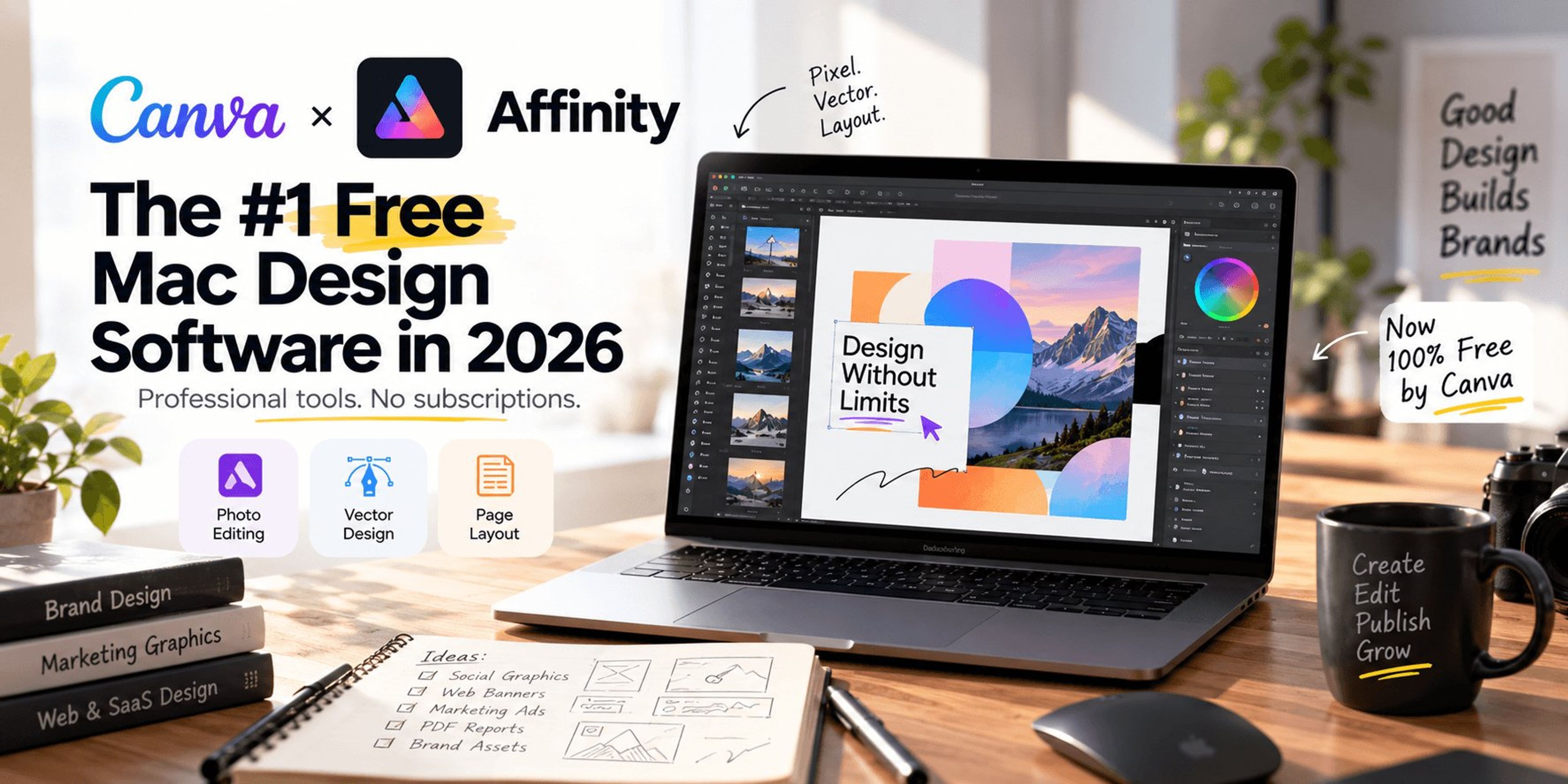
For over a decade, professional designers on macOS were locked into expensive monthly subscriptions. Then the market flipped. In a massive industry shift, Canva integrated Affinity and made its core professional tools entirely free.
It is not a trial, nor is it a watered-down web app. You can download the full desktop version for macOS and use every tool in the Pixel, Vector, and Layout studios without a premium subscription.
As an agency that builds high-performance B2B architecture and digital campaigns, we test every piece of software on the market. Here is the detailed, technical breakdown of why Affinity is currently ranked as the #1 free graphic design software for Mac, who it is built for, and where its limitations lie.
Why Affinity Ranks at #1
1. The "All-in-One" Architecture
Previously, designers had to switch between separate programs for photo editing, vector graphics, and page layout. Affinity combines advanced photo editing, graphic design, and page layout tools under one roof. You can design, edit, and lay out your work without ever leaving your single ".af" file. This unified interface drastically reduces friction in complex B2B workflows.
2. File Compatibility and Legacy Support
A major barrier to leaving paid software is losing access to old files. Affinity completely eliminates this risk. The software allows you to bring PSD, AI, IDML, DWG, and other file types into your workspace while preserving layers and structure. Because the app is free, your external collaborators can also open and edit these files without encountering compatibility barriers.
3. Native Hardware Optimization for Mac
If you are running a modern MacBook, running non-native software drains your battery and throttles your RAM. Affinity is optimized for the latest hardware, including Apple silicon. It uses hardware-optimized GPU acceleration to render brush strokes, zooms, and live filters instantly. You can confidently edit at up to 1,000,000% zoom with full frame-rate panning, no matter how big the file grows.
How It Got Here: The Canva Ecosystem
The reason Affinity is free comes down to market economics and ecosystem building. Canva acquired the software suite to compete directly with legacy enterprise tools. To use Affinity, you just need a free Canva account. After logging in with your email address, you unlock all of Affinity's vector, layout, and pixel tools at zero cost.
For Whom Is Affinity Best?
- B2B Marketing Teams: If you need to manipulate stock photos or lay out multi-page PDF reports, the unified Layout Studio handles all of it. You can design posters, digital magazines, brochures, books, and event passes natively.
- Technical Founders & Agencies: We prioritize site speed and technical rendering using frameworks like Next.js. Affinity supports exporting highly optimized SVG code and assets that perfectly complement our Next.js Web Development workflows without bloating the frontend.
- Freelance Designers & Photographers: You get RAW development, non-destructive editing by default, unlimited layers, and batch processing completely free. You can apply adjustments, masks, and live filters without damaging your original image. You can even save your undo history to keep edits reversible from the first draft to the final export.
Pros and Cons: The Honest Verdict
| Pros | Cons |
|---|---|
| Core features (Pixel, Vector, Layout studios) are 100% free. | Advanced AI generation tools require a paid Canva Premium plan. |
| Complete file compatibility with legacy PSD, AI, and IDML formats. | You must register for and log in with a Canva account to use the app. |
| Non-destructive editing with a fully savable undo history. | No iPad version is currently available (though it is in development). |
| Ultra-fast GPU acceleration optimized natively for Apple silicon. | Requires learning a unified interface if you are used to strictly separated applications. |
| Includes powerful workflow automation like macros and batch processing. | Features like Generative Fill and Generative Expand are locked behind a paywall. |
The Verdict on Free AI Features
It is important to understand Canva's monetization model. The traditional professional design tools are free, but the advanced Generative AI features are not. If you want to unlock Canva AI tools like Generative Fill, Generative Expand, or Generate Image/Vector directly inside Affinity, you must pay for a Canva premium plan (Pro, Business, Enterprise, or Education).
For most technical SEO and standard B2B design tasks, those AI generation tools are optional. The core vector and pixel functionality is more than enough to execute high-end campaigns.
Final Thoughts
If you are looking for free graphic design software for Mac that does not compromise on professional capability, Affinity by Canva is the definitive choice. It delivers serious power at zero cost. The fact that it runs perfectly on macOS and replaces three separate software subscriptions makes it an undeniable asset for growth-focused marketing teams.
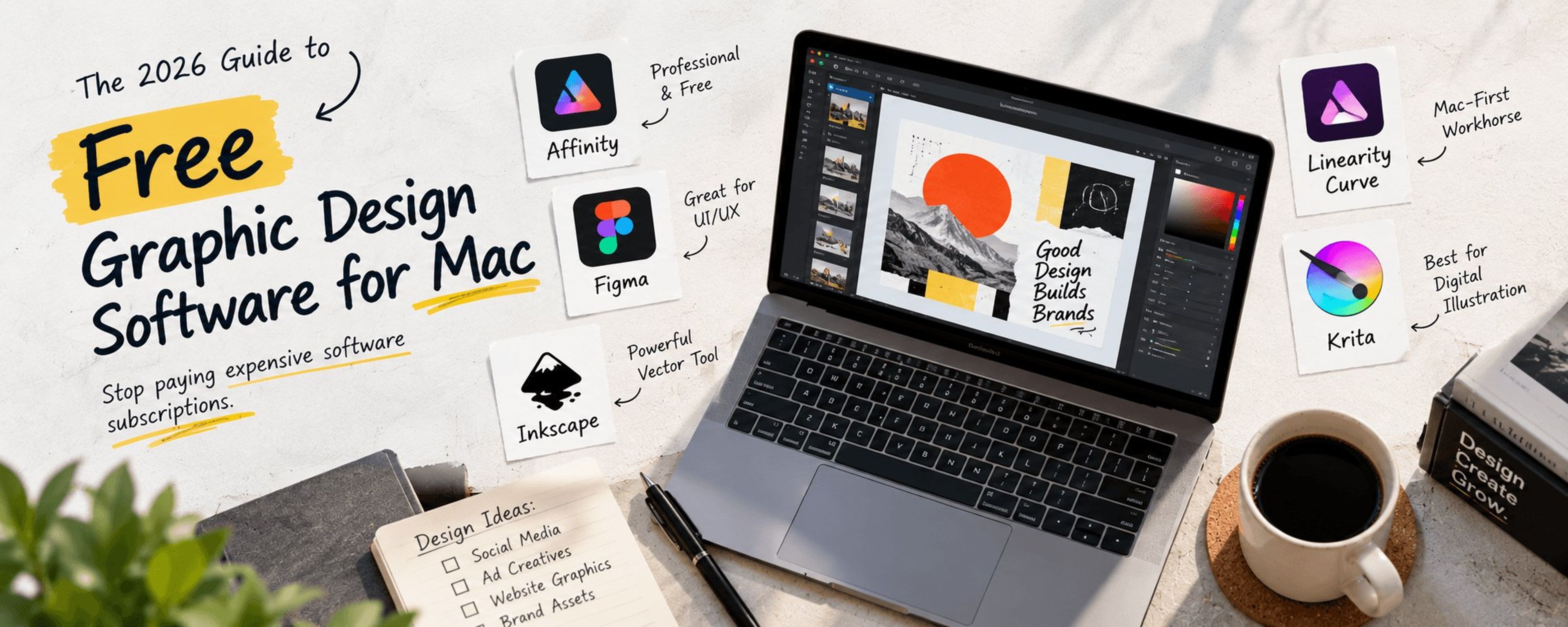
Want to see how Affinity stacks up against Figma, Inkscape, Linearity Curve, and Krita? Read our full guide to the best free graphic design software for Mac.
Stop letting software overhead eat into your B2B budget. Download the tool, set up your workspace, and start engineering your digital assets.
Need high-end design assets scaled for your enterprise?
Our team handles full-suite digital marketing, from technical architecture to visual branding. Book a Graphic Design & Strategy Consultation with Traficxo today and let us build a pipeline that converts.
Explore Services & Solutions
Video Production Hub
Access our comprehensive vertical strategies, core processes, and expert resources.
View service hub Specialized SolutionProfessional Video Editing
Scale your brand narrative with explainer videos, social media reels, and motion graphics.
Learn moreReady to grow your digital presence?
Connect with our execution specialists for a customized roadmap.