Most video editing software guides are written to collect affiliate commissions on expensive subscriptions. They recommend heavy enterprise suites to creators who just need to trim a vertical clip, or push "free" software that slaps an ugly watermark on your export unless you pay a monthly fee.
Whether you are editing corporate client testimonials, YouTube long-form content, or fast TikTok ads, software should speed up your delivery, not stall it.
Below is our tested, field-level ranking of the best video editing software for 2026, categorized by skill level, operating system, and actual commercial use case.
Quick Verdict: The Top Picks at a Glance
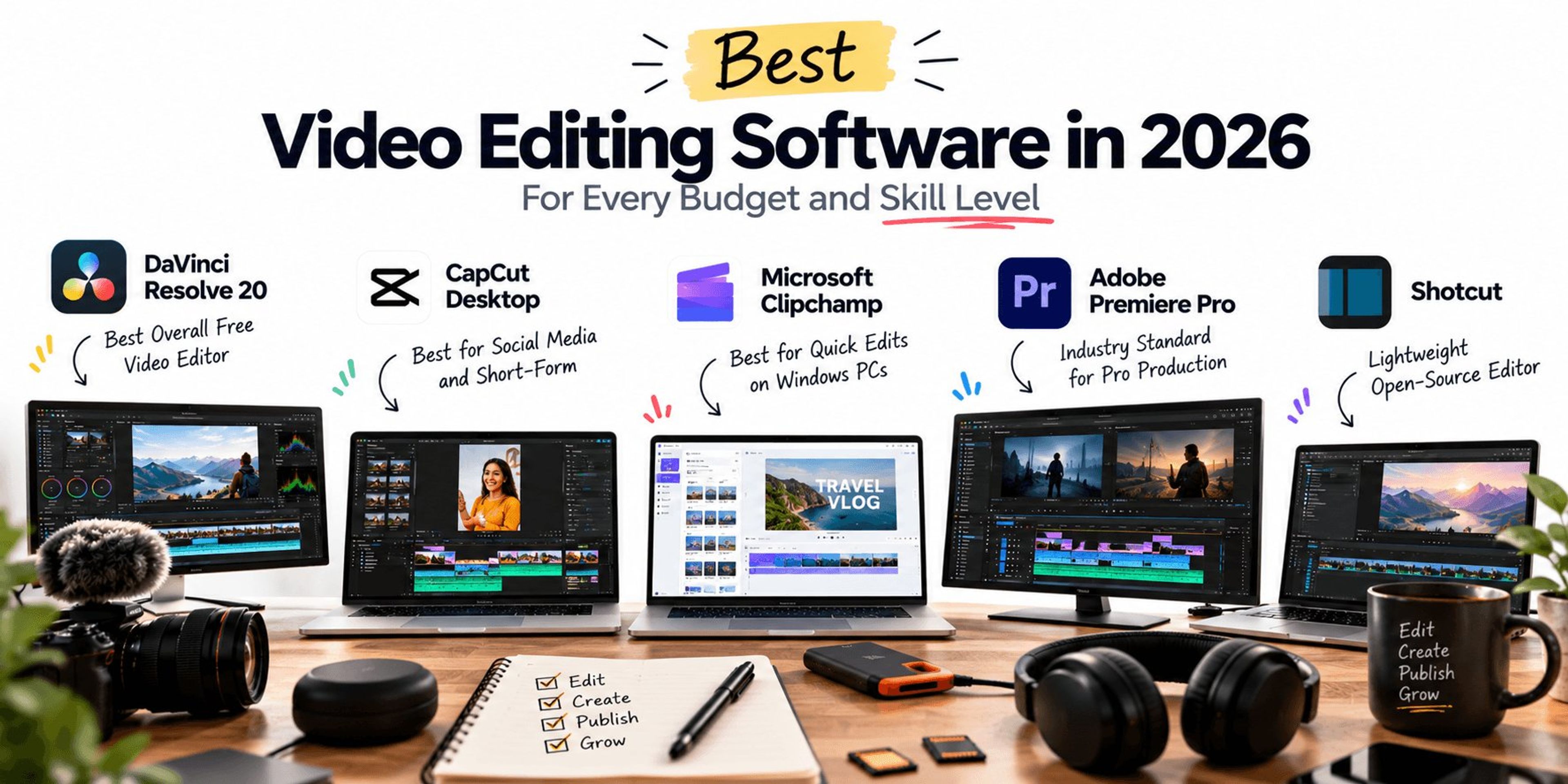
| Software | Best For | Price | Platform | Learning Curve | Watermark on Free? |
|---|---|---|---|---|---|
| DaVinci Resolve 20 | Hollywood-grade color and editing | 100% Free (Studio is $295) | Windows, Mac, Linux | Steep | No |
| CapCut Desktop | Fast social media and short-form | Free (Pro is $9.99/mo) | Windows, Mac, Web | Low | No |
| Microsoft Clipchamp | Quick edits on Windows PCs | Built-in Free (Essentials is $11.99/mo) | Windows, Web | Very Low | No |
| Adobe Premiere Pro | Industry standard B2B production | $22.99/mo | Windows, Mac | Moderate to Steep | N/A (Paid only) |
| Shotcut | Lightweight open-source editing | Free and Open Source | Windows, Mac, Linux | Moderate | No |
1. What Is the Best Video Editor for Free?
DaVinci Resolve (Best Overall Free Software)
If you need true post-production power without paying a subscription, DaVinci Resolve is the undisputed answer. Blackmagic Design offers roughly 90% of its full studio suite in the free version.
- Why It Wins: It includes non-linear cutting, Fairlight audio mastering, Fusion visual effects, and the world's most advanced color-grading engine. Exports are supported up to 4K UHD at 60fps with zero watermarks.
- The Catch: It requires serious hardware. If your computer does not have a dedicated GPU and at least 16GB of unified RAM, Resolve will stutter on playback. The interface is also built around multi-panel nodes rather than simple layer sliders, which intimidates beginners.
Shotcut (Best Lightweight, Open-Source Free Editor)
If your computer struggles under heavy software, skip DaVinci and download Shotcut.
- Why It Wins: It is entirely open source, completely ad-free, and does not require an internet account. It runs efficiently on older laptops and supports native timeline editing across virtually any audio or video format without transcoding.
- The Catch: The interface looks basic, and advanced animations or dynamic transitions require tedious manual keyframing.
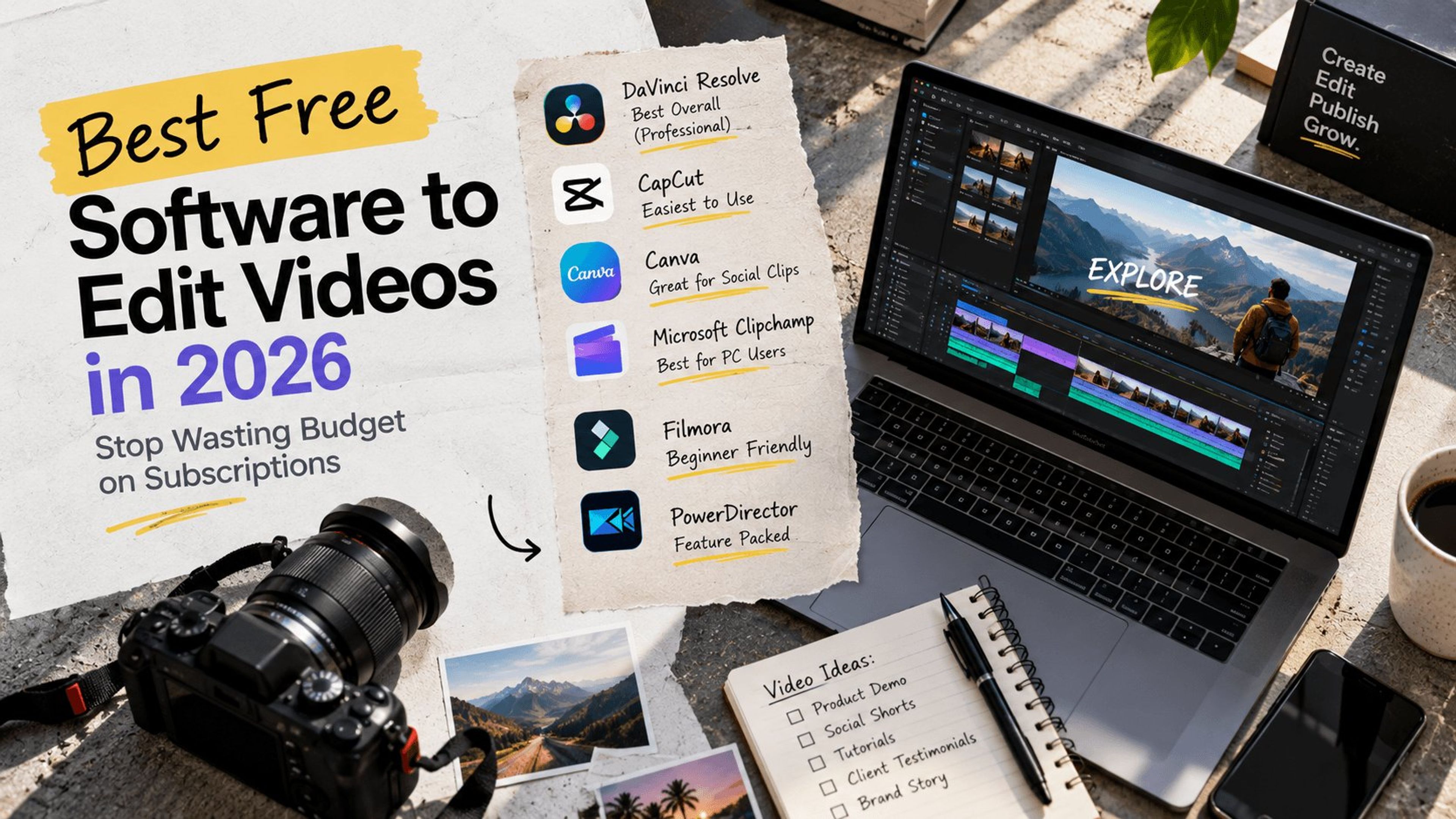
Only interested in tools that cost nothing? Read our breakdown of the best free software to edit videos in 2026.
Heavy media files slow down your digital pipeline. See how we balance rich media with load times in our Next.js Web Development builds.
2. Best Easy to Use Video Editing Software
CapCut Desktop (Best for Social Media and Creator Workflows)
For speed, auto-captioning, and instant social publishing, CapCut Desktop is the current market leader.
- Why It Wins: Features that take thirty minutes in Premiere Pro, like generating animated captions, cutting silence, or tracking text to a moving object, happen with a single click. The timeline is forgiving, snapping clips cleanly into place.
- The Catch: Many of its best transition presets and AI upscaling tools are locked behind the CapCut Pro subscription. Storing projects on their cloud ecosystem also introduces privacy considerations for corporate client footage.
Canva Video (Best for Zero-Install Marketing Collateral)
If you only need to assemble simple social ads, webinar slide decks, or animated quotes, avoid desktop editors altogether. Canva lets you edit directly in a browser tab using clean templates, stock music, and integrated brand kits.
3. Best Video Editor for PC
Windows does not ship with Apple's iMovie, but PC users have two clear standout paths depending on budget.
Microsoft Clipchamp (Best Native Tool for Everyday PC Use)
Pre-installed on Windows 11, Clipchamp is modern, responsive, and handles foundational video tasks cleanly.
- Why It Wins: It is clean, requires zero installation, and handles basic trimming, screen recording, and 1080p exports natively. It is ideal for internal training videos or corporate presentations.
- The Catch: It relies heavily on web tech within the app wrapper, meaning large 4K files can cause browser-level memory crashes during rendering.
Adobe Premiere Pro (Best Professional Standard for Windows)
If you manage high-volume B2B client work or work within a distributed creative team, Premiere Pro remains the enterprise benchmark.
- Why It Wins: Unmatched plugin support, direct dynamic linking with After Effects, and powerful native Speech-to-Text transcription. It takes full advantage of NVIDIA CUDA acceleration on Windows workstations.
- The Catch: The monthly Creative Cloud subscription model is expensive for solo operators, and sudden crashes during heavy exports remain a long-standing complaint.
4. How to Choose Good Video Editing Software
Before downloading any platform, match the tool to your goal:
- Cinematic or YouTube content: DaVinci Resolve (Free) or Premiere Pro (Paid)
- Short-form or TikTok content: CapCut Desktop (Speed and Auto-Captions)
- Quick corporate demos: Microsoft Clipchamp (Windows) or iMovie (Mac)
Then run your setup through this three-point filter:
- Hardware Capability: Video encoding hammers your GPU and CPU. If you have an entry-level laptop with integrated graphics, stick to lightweight options like Clipchamp or Shotcut. Do not install DaVinci Resolve unless your hardware meets the baseline.
- Export Watermarks: Many tools advertising themselves as "free" lock clean exports behind paywalls. Always verify export limits before spending hours editing your first timeline.
- Codec and Format Support: If you shoot high-bitrate 10-bit 4:2:2 footage, verify whether the free tier supports native decoding. Some free versions force you to transcode to ProRes or DNxHD before editing.
Creating thumbnails and social graphics for your videos too? See our guide to the best free graphic design software for Mac.
Turning Video Content into Revenue
Software is just an execution tool. A perfectly edited video will fail to generate pipeline if it is buried on a sluggish landing page or published without distribution intent.
At Traficxo, we pair high-end visual storytelling with technical search architecture. We build assets that not only look cinematic, but also get indexed, load instantly, and turn qualified viewers into retained monthly clients.
Need strategic video assets built for pipeline?
Explore our full Video Production Services or schedule a Growth Strategy Call with our team to map out your digital acquisition strategy.
Explore Services & Solutions
Video Production Hub
Access our comprehensive vertical strategies, core processes, and expert resources.
View service hub Specialized SolutionProfessional Video Editing
Scale your brand narrative with explainer videos, social media reels, and motion graphics.
Learn moreReady to grow your digital presence?
Connect with our execution specialists for a customized roadmap.