Most lists covering "free graphic design software for Mac" are completely outdated. They recommend clunky web apps that compress your files or "free trials" that demand your credit card after seven days. If you are using an Apple Silicon Mac, you want native software that leverages your M-series chip without draining your battery or your wallet.
The landscape has shifted massively in the last 12 months. The traditional software monopoly is cracking as premium companies change their pricing models. Here is the unvarnished reality of the best free design tools available for macOS today.
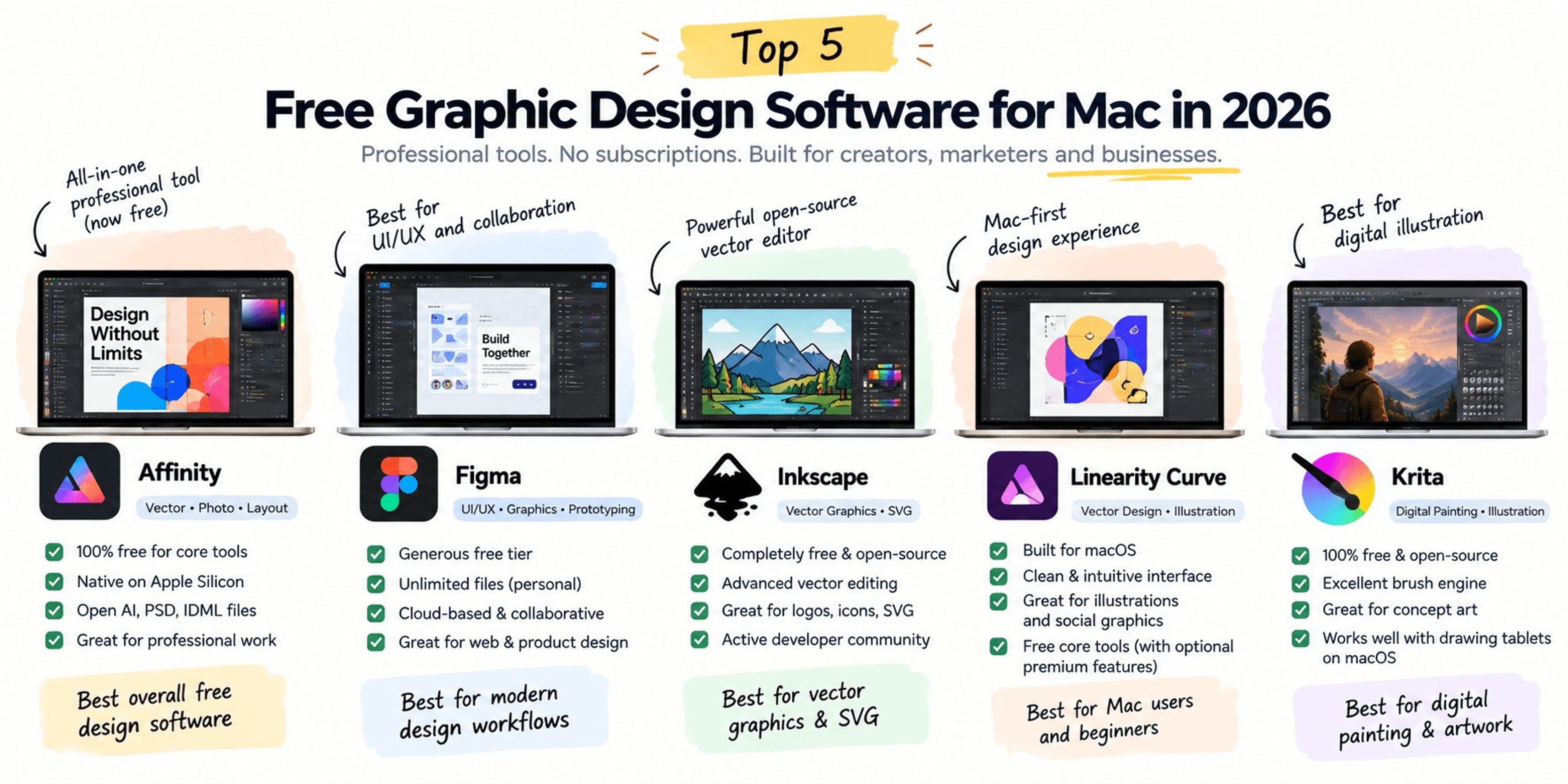
1. Affinity (The New Free Heavyweight)
For years, Affinity Designer and Photo were the best paid alternatives to Adobe. In a massive shift during late 2025, Canva merged its Affinity Photo, Designer, and Publisher tools into one unified macOS application and made the core professional tools 100% free forever.
This is not a watered-down version of the software. You get full access to vector, pixel, and layout studios without paying a subscription. It runs natively on Apple Silicon, handles massive print files flawlessly, and lets you open legacy AI, PSD, and IDML files. The only features locked behind a Canva Premium paywall are advanced AI generation tools like Generative Fill and background removal. If you need professional desktop software right now, this is the absolute best option to download.
2. Figma (The UI/UX Standard)
Figma is a collaborative, web-based design tool that also offers a highly optimized macOS desktop wrapper. While it dominates user interface and website design, it is an incredibly capable vector graphic editor for social media assets, ad creatives, and wireframing.
The free tier is generous for solo designers or small teams. You can create unlimited files within your drafts. Because it is cloud-based, you never have to worry about losing a file or dealing with version control. If you are building website mockups or SaaS product screens, Figma is mandatory.
3. Inkscape (The Open-Source Vector Legend)
If you are strictly focused on vector graphics like logos, SVG icons, and typography layouts, Inkscape is a powerful open-source alternative. It is completely free and maintained by a global community of developers.
The tradeoff is the user experience. Inkscape does not feel like a native Mac app. The interface is utilitarian and can feel cluttered compared to modern tools. However, its native SVG editing, node control, and path operations are on par with enterprise software. If you need deep technical control over vector files without a subscription, Inkscape delivers.
Need free assets to go with your software? Browse our list of the 12 best free vector design and graphic websites for designers.
4. Linearity Curve (The Mac-First Workhorse)
Previously known as Vectornator, Linearity Curve was built specifically for the Apple ecosystem. It feels like a true Mac app. The interface is clean, modern, and highly intuitive for beginners who find enterprise software overwhelming.
It is excellent for marketing illustrations, social media graphics, and basic typography. However, be aware that Linearity recently shifted to a freemium model. While the core vector tools remain free, heavy users might hit paywalls for advanced export options or animation features.
5. Krita (The Digital Painting Powerhouse)
If your graphic design work leans heavily into digital illustration, concept art, or raster painting, stop looking for vector tools and download Krita. It is a 100% free open-source digital painting program.
While it lacks the page layout tools of a vector suite, its brush engine is spectacular. Krita supports advanced layer management and drawing tablet integration perfectly on macOS, making it the best free replacement for Photoshop if your primary goal is drawing rather than photo manipulation.
The Agency Perspective: Tooling for Pipeline
At Traficxo, we use premium software to engineer growth and design brand identities for our B2B clients. However, the software does not make the designer. Whether you use a free open-source tool or an enterprise subscription, your graphic design must serve a commercial purpose. An ugly but high-converting landing page built in Figma will always outperform a beautiful but confusing layout built in an expensive suite.
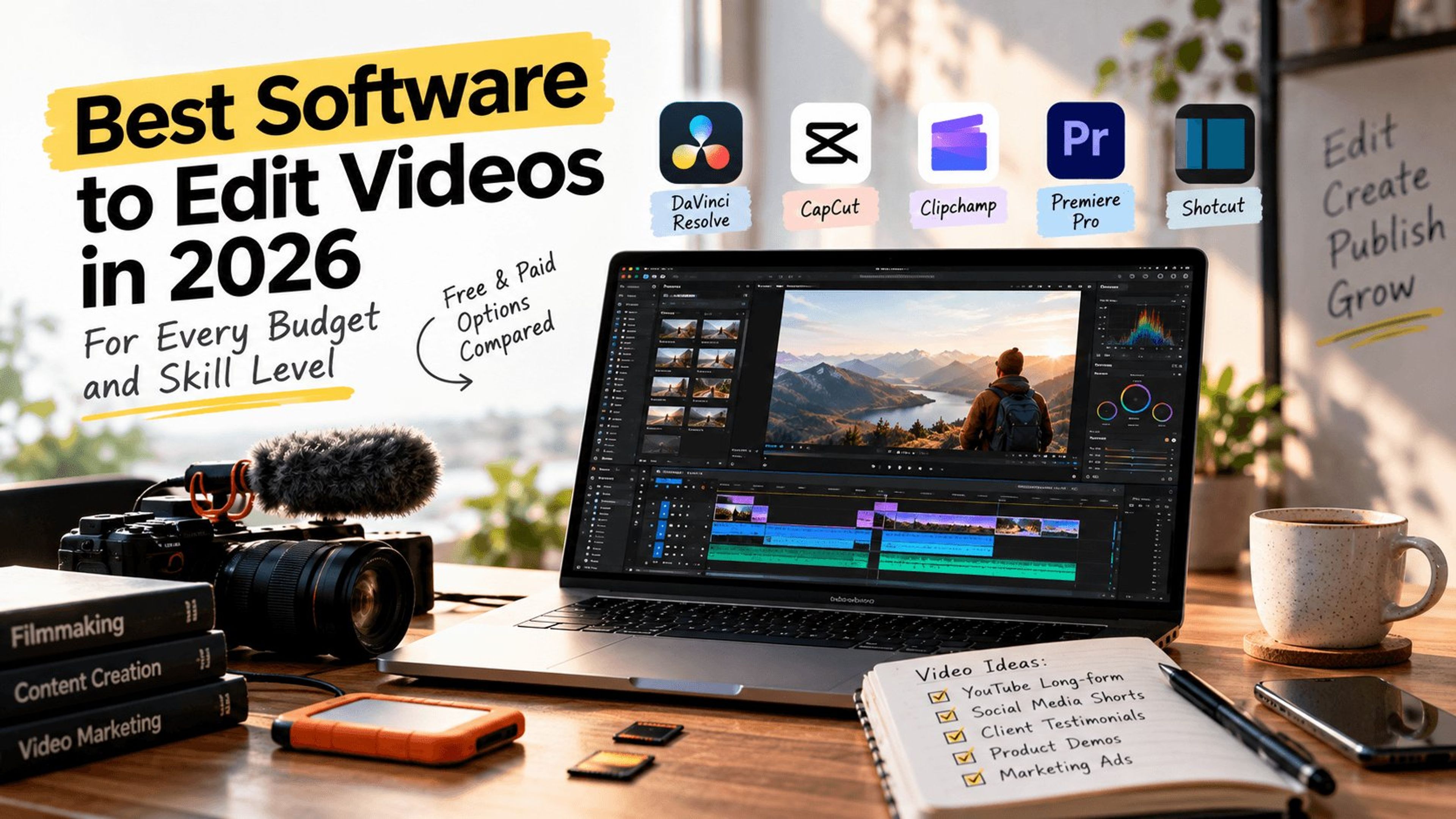
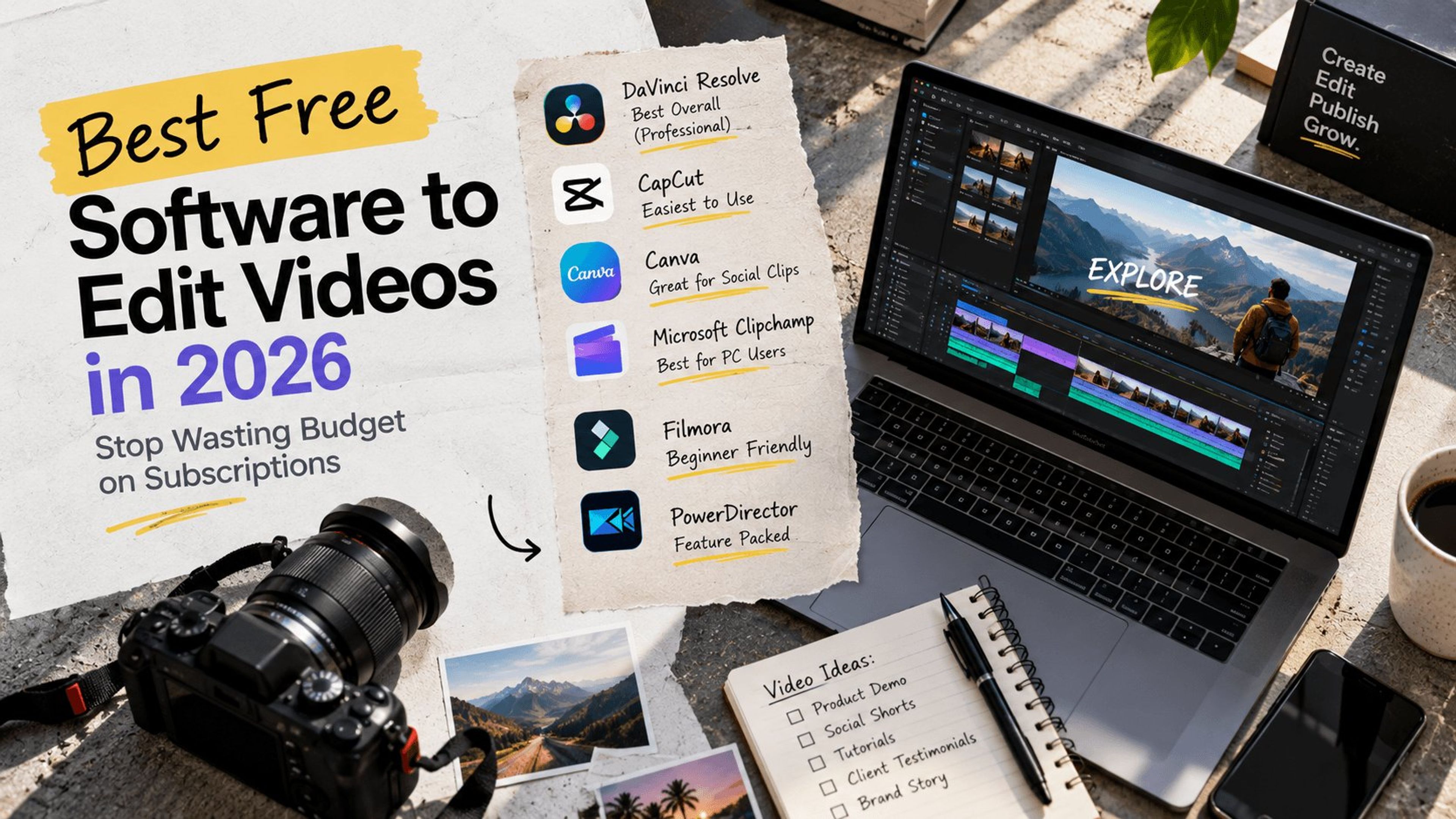
Design is only one half of a modern content stack. If your team also produces product demos, social clips, or YouTube content, read our guide to the best free software to edit videos in 2026 and stop paying for two sets of subscriptions.
Stop getting paralyzed by tool selection. Download Affinity or Figma and start building assets that actually generate revenue.
Ready to scale beyond DIY design?
If your B2B SaaS or tech company is outgrowing internal design constraints, we build high-converting brand assets and lightning-fast web architecture. Book a Web Dev & Design Consultation with our team today to map out your digital pipeline.
Explore Services & Solutions
Video Production Hub
Access our comprehensive vertical strategies, core processes, and expert resources.
View service hub Specialized SolutionProfessional Video Editing
Scale your brand narrative with explainer videos, social media reels, and motion graphics.
Learn moreReady to grow your digital presence?
Connect with our execution specialists for a customized roadmap.