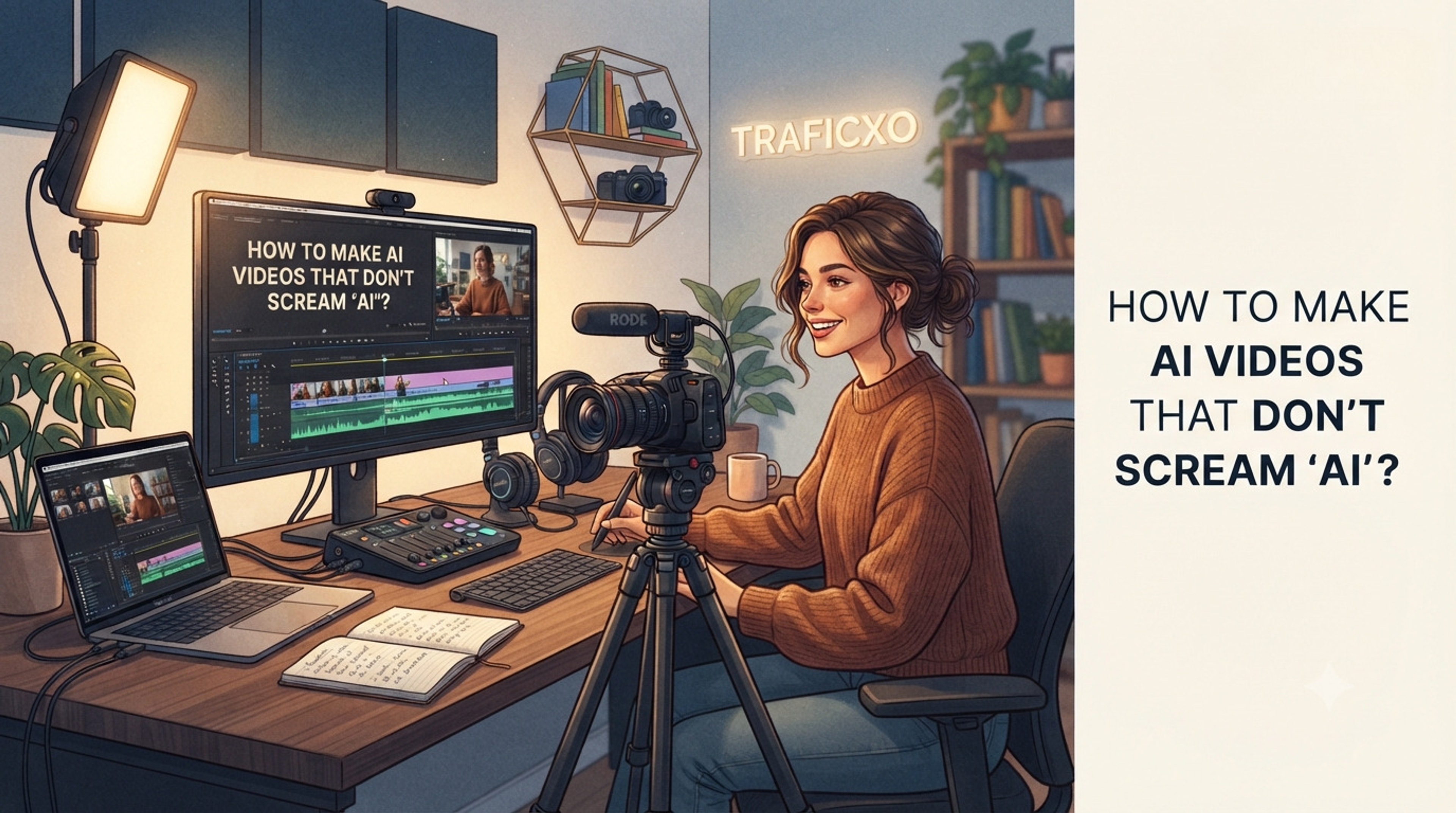
Most "how to make AI videos" tutorials are 800 words of screenshots from a tool's sign-up flow. This isn't one of them. This is the actual workflow we run at Traficxo when a marketing team hands us a brief and asks for finished social or ad video in 48 hours.
By the end you will have a repeatable pipeline you can hand to a junior team-mate. If you're still deciding which tool fits which output, loop back to our complete guide to AI video generators first.
Before you touch a tool: the five-minute brief
Every project starts with a one-page brief. Yes, even a 15-second Reel. Without it you will burn credits regenerating shots that were never going to work. The brief covers:
- Goal (one sentence). "Drive sign-ups for the free trial from Instagram Reels."
- Audience (one sentence). "First-time ecommerce founders on Shopify, India-based, mobile-first."
- Channel and format. Reels 9:16, 15-20 seconds, captions on by default.
- Hook. The first three seconds. Written out verbatim.
- Promise. What the viewer gets if they stay.
- CTA. Exact wording.
- Brand assets to include. Logo, colour palette, voice tone.
- Reference clips. Two or three social videos the client likes.
If the brief takes more than five minutes, the client isn't ready and no AI tool will save the project.
Step 1: Write a tight script
AI video generators are prompt-sensitive, and the prompt lives inside the script. Three rules:
- One idea per shot. If a shot needs two sentences to describe, it needs to be two shots.
- Verbs over adjectives. "A dog runs across a beach at sunset" beats "a beautiful, cinematic, golden-hour beach scene featuring a dog."
- Say the brand name in the hook or the CTA, not in the middle. AI voiceovers always mangle brand names the first time.
For a 15-second Reel that's 35-45 words of voiceover and 4-6 shots. Write it in a single column so you can see it at a glance.
Step 2: Pick the tool for each shot
Don't commit to one tool for a whole video. Pick per shot:
- Talking head / brand intro / explainer. HeyGen or Synthesia with your brand avatar.
- Hero / aspirational / impossible shots. Google Veo 3 or Kling 2.5.
- Product shots. Runway Gen-4 with a reference image of the product.
- B-roll from stock. Pictory's library + AI voiceover.
- Motion graphics / text-heavy. Canva Magic Media or CapCut AI.
For a short ad it's normal to end up with three tools stitched together. Our cluster article on input types explains how to pick when you have a choice.
Step 3: Prompt like a cinematographer
For generative shots (Veo, Kling, Runway), structure every prompt as five slots:
- Subject. What's in the shot.
- Camera. Angle, focal length, movement.
- Lighting. Mood and source.
- Aesthetic. Reference style in two words.
- Mood. What the viewer should feel.
Example: "A founder in her 30s at a desk, laptop open, head-and-shoulders medium shot, 50mm, slight handheld, soft window light from camera left, warm office aesthetic, focused mood."
Keep every prompt under 40 words. Longer prompts dilute attention and you end up with mush.
Step 4: Generate in 5-10 second units
Even with the latest models, anything over ten seconds drifts. Generate every shot as its own unit. Expect to run three to five variants per shot and pick the best.
Our rule of thumb: for every 60 seconds of finished video you will generate roughly 10-15 minutes of raw clips. That's where the credits go. Budget realistically.
Step 5: Voiceover: real voice beats AI voice
AI voice is the single biggest tell in a generated video. If your tool allows voice cloning (HeyGen, ElevenLabs, Descript), record 2-3 minutes of your actual voice reading a sample paragraph, clone it, and use that. The jump in authenticity is enormous.
If you have to use stock AI voice, pick one with a clear regional accent that matches your audience. Generic American "AI announcer" voices are instantly recognisable and will tank engagement.
Step 6: Edit like it's real footage
Pull your clips into CapCut, Descript or Premiere. The edit is where AI video becomes watchable:
- Cut tight. Trim every half-second of dead air.
- Add j-cuts and l-cuts. Let audio from the next shot start under the previous one.
- Punch in on the hook. The first three seconds should have motion within them.
- Add music. 60-70% volume behind voiceover, 90% on cutaways without voice.
- Burn in captions. Submagic, Captions or Descript auto-captions. Place them in the safe zone.
Step 7: QA and export
Before export, watch the full cut on a phone with the speaker on. 85% of social video is watched on mobile and you will catch problems you missed on desktop. Specifically check:
- Legibility of captions and brand elements at small size.
- Audio levels against a reference (any pro Reel you like).
- Pacing in the first three seconds. If a viewer wouldn't stop scrolling, re-edit.
- Loudness. Aim for -14 LUFS for Instagram and TikTok.
Export in the native format of the channel (9:16, 1080×1920 for vertical; 16:9, 1920×1080 for horizontal). Don't rely on platform re-encoding.
Step 8: Publish, tag, measure
Every AI-generated video should get a UTM-tagged link if it drives traffic, and a tracking code in your analytics for the creative itself. We measure:
- Hook rate (3s view / impressions)
- Average view duration
- Click-through on CTA
- Downstream conversion
Weekly review of these metrics is how you learn which prompts, tools and formats actually earn their credits. Nothing else is.
A sample 48-hour pipeline
Here's the condensed timeline we run for a client Reel:
- Hour 0-1. Brief call, script drafted, references pulled.
- Hour 1-3. First-pass generation across all planned shots.
- Hour 3-5. Pick best takes, regenerate weak shots.
- Hour 5-8. Edit, voiceover, music, captions.
- Hour 8-10. Client review, two rounds of revisions.
- Hour 24-48. Publish, UTM, analytics, variants for A/B.
It's fast. It's also structured. The structure is the point.
Keep reading
- The Complete Guide to AI Video Generators in 2026
- How Do AI Video Generators Work?
- AI Video Generator for YouTube: Shorts, Long-form & the Rules
Want this run for you by a team that already has the workflow? Traficxo's video studio ships AI-generated social, ad and brand video at pace. Book a brief call.
Explore Services & Solutions
Video Production Hub
Access our comprehensive vertical strategies, core processes, and expert resources.
View service hub Specialized SolutionProfessional Video Editing
Scale your brand narrative with explainer videos, social media reels, and motion graphics.
Learn moreReady to grow your digital presence?
Connect with our execution specialists for a customized roadmap.