Every marketing team now needs more video than it can make. Short-form for Reels, Shorts and TikTok. Explainer clips for landing pages. Testimonials. Product demos. Ad creatives in a dozen variations for every campaign. The old answer — hire an editor, book a shoot, wait three weeks — doesn't keep up.
AI video generators have become the first serious answer to that gap. They turn a script, an image, a blog post, or a rough idea into a watchable video in minutes, not weeks. But the category is noisy, the tools are different under the hood, and most teams waste the first month picking the wrong one for the job.
This is the field guide we wish we'd had when we started shipping AI-generated video at Traficxo's video studio. It covers what AI video generators actually do, which tool fits which output, how to think about cost, and the exact workflow we run for client campaigns.
What is an AI video generator?
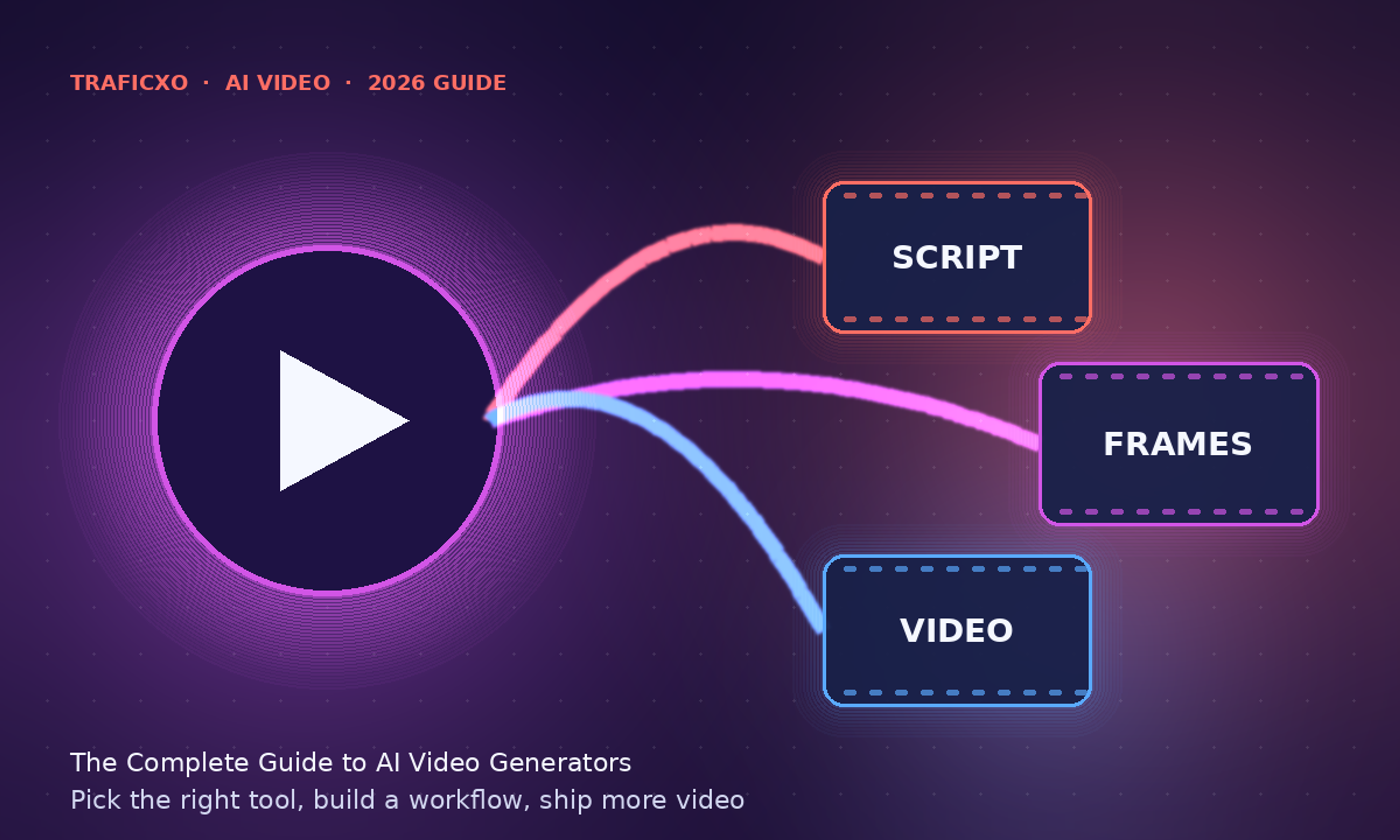
An AI video generator is any tool that produces finished video frames from a non-video input — a prompt, a script, an image, a blog post, a slide deck, or a stock footage search — instead of from recorded camera footage. Finished is the operative word: it isn't a template library and it isn't an editing suite. You give it a brief, it gives you back a rendered clip.
Three families dominate the market:
- Text-to-video generative models (Veo, Sora, Kling, Runway Gen-4, Pika, Hailuo, Luma). These synthesise frames from scratch. Best for b-roll, dreamlike scenes, product-in-motion shots and anything shoot-impossible.
- Avatar/UGC video generators (HeyGen, Synthesia, D-ID, Captions, Argil). These animate a photorealistic human avatar speaking a script. Best for explainers, training, courses, social UGC and multi-language dubs.
- Composition/motion-graphics generators (Canva's Magic Media, Descript, CapCut AI, Pictory, Invideo AI). These assemble clips, stock footage, AI voiceover and motion templates into a narrated video.
Most serious workflows end up using two of the three in tandem — a composition tool for the backbone and a generative model for the hero shots.
Who actually needs one in 2026?
Not every brand. If you ship one 90-second explainer a year, you still want a human crew. The ROI curve for an AI video generator shows up when any of these are true:
- You publish short-form social video three or more times per week and your editor is the bottleneck.
- You run performance ads and want to A/B-test fifteen creatives against one script.
- You localise video into three or more languages and lip-sync re-shoots are killing margins.
- You have a long content library and want to republish it as video.
- You need product demos that update whenever the product does.
- You are a B2B company whose SDRs need personalised video intros at scale.
The teams we talk to who get the most out of AI video today are small marketing teams (one to three people) inside B2B SaaS, D2C ecommerce, edtech and agencies that handle 10+ clients.
The honest trade-offs
Before you spend a cent, three uncomfortable truths.
AI video still has a tell. Generated faces, hands and small text give themselves away. Even the best 2026 models drift between cuts. Budget for human editor time.
The cheapest tool is almost never the best tool. Free tiers are watermarked, rate-limited and usually trained on a smaller model.
Rights and provenance matter more every quarter. Platforms (YouTube, Meta, LinkedIn, TikTok) are tightening policies on synthetic media, deepfake disclosure and training data.
The best AI video generators by job
For generative b-roll and hero shots: Google Veo 3 (state of the art for photorealism), OpenAI Sora 2 (strong on long shots), Kling 2.5 (best quality-to-price), Runway Gen-4 (mature pipeline for mixing real with generated).
For avatars and talking-head explainers: HeyGen (best all-rounder; 175+ languages), Synthesia (enterprise-friendly), Captions (mobile-first).
For blog-to-video and motion-graphic assembly: Descript (transcript-first editor), Pictory (fastest blog-to-video), Invideo AI (best brief-to-video for ads).
For social-first vertical video: Canva Magic Media and CapCut AI.
See AI Video Generator for YouTube: Which Tool Pays in 2026? for a deeper breakdown of which of these fits YouTube's current policy.
The Traficxo workflow for AI-generated video
- Brief-first, tool-second. Every clip starts with a one-page brief: goal, channel, length, voiceover-or-not, feel, call-to-action, brand assets.
- Decide the input type. Blog already written? Composition tool. Creative concept with no copy? Generative model. Person-to-camera script? Avatar.
- Generate in small units. Never try to generate a 90-second clip in one prompt. Generate in 5-10 second units.
- Edit like it's real footage. Pull clips into a normal NLE. Cut hard, add j-cuts, drop in text overlays, grade for brand colour.
- Caption, subtitle and localise. 85% of social video is watched muted. HeyGen or ElevenLabs handles dub + lip-sync.
- Measure on real metrics. Hook rate, thumb-stop rate, average view duration, shares, video-led conversion rate.
See How to Make AI Videos That Don't Scream AI? for the step-by-step checklist.
How much does it actually cost?
Honest 2026 numbers for a small marketing team (1-3 people) shipping ~20 pieces of AI-generated video per month:
- Generative model credits (Veo/Kling/Runway): $100-400/month.
- Avatar tool (HeyGen or Synthesia): $29-89/seat/month.
- Composition tool (Descript or Pictory): $29-39/seat/month.
- Captions tool (Submagic/Captions): $20/seat/month.
- Editor time: 2-3 hours per finished minute of video.
Total for a serious workflow: roughly $300-600/month in software plus editor time.
Common mistakes we see
- Picking the tool before writing the brief. Always the biggest one.
- Over-prompting. Short, concrete prompts beat long adjective-heavy ones.
- Skipping the human edit. A raw AI-generated clip, uncut, rarely performs on paid.
- Treating the voice as free. AI voiceovers are the fastest giveaway.
- Ignoring platform policy. YouTube and Meta require synthetic-media disclosure in some contexts.
- No tracking. Every AI-generated creative should be tagged in your analytics.
In-house pipeline or agency?
Three signals point to building in-house: a senior creative lead already on staff, 20+ AI video assets per month, a distinctive brand voice only insiders can hit.
Three signals point to hiring an agency: AI video as part of a full-funnel plan with SEO, performance ads, and GEO/AEO content; immediate localisation into 3+ languages; in-house team already at capacity.
If the second bucket sounds familiar, get in touch with Traficxo — we run exactly this kind of integrated AI video program for growth-stage B2B and ecommerce clients.
Explore Services & Solutions
Video Production Hub
Access our comprehensive vertical strategies, core processes, and expert resources.
View service hub Specialized SolutionProfessional Video Editing
Scale your brand narrative with explainer videos, social media reels, and motion graphics.
Learn moreReady to grow your digital presence?
Connect with our execution specialists for a customized roadmap.