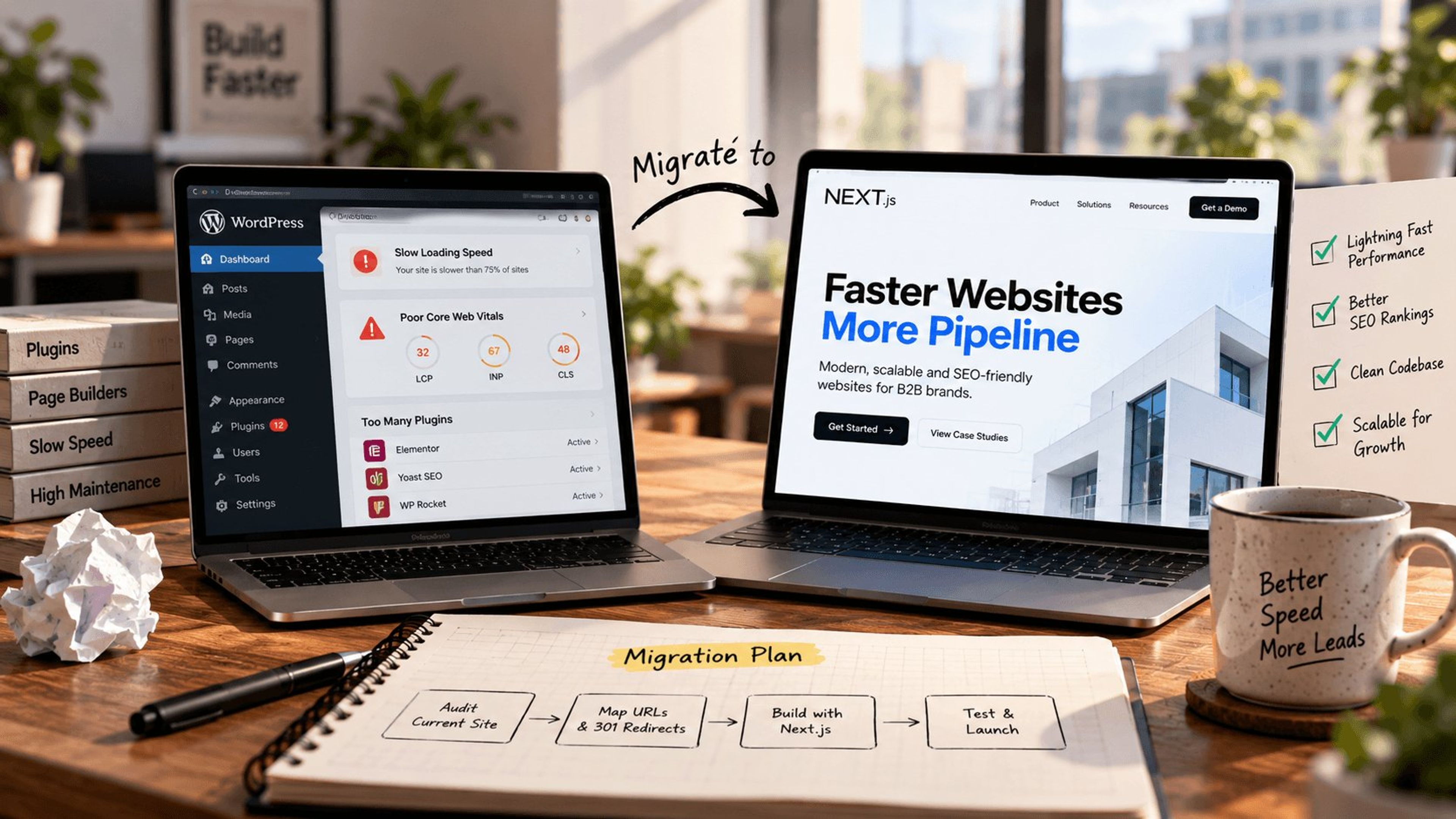
Your website stopped working for you. Maybe it loads slowly, looks dated on mobile, or visitors land and bounce without converting. A redesign can fix all of that, but only if you plan the project properly. Skip a single critical step and you risk tanking the organic traffic you spent years building.
This website redesign checklist walks you through every phase of a successful relaunch, from the initial audit to post-launch monitoring. No fluff, no vague advice. Just the specific actions that separate a redesign that grows revenue from one that quietly destroys it.
Why You Need a Website Redesign Checklist (Before Touching a Single Pixel)
Most website redesigns fail for the same reason: teams rush to the visual design without building the strategic foundation first.
According to research from the Baymard Institute, 88% of online consumers are less likely to return to a website after a bad experience. And 75% of buyers admit they judge a company's credibility based on its website design, according to a Stanford web credibility study cited by madebyshape.co.uk.
A checklist keeps the project on track. It ensures you address information architecture, SEO migration, content strategy, and performance targets before the design phase even begins.
Phase 1: Discovery and Goal Setting
Step 1: Define Clear Redesign Goals
Every website redesign project plan starts with a simple question: what is broken, and what does success look like?
Write down 3 to 5 specific, measurable goals. Vague objectives like "make it look modern" are not goals. These are:
- Increase organic traffic by 30% within 6 months of launch
- Reduce bounce rate on service pages from 65% to 45%
- Improve page load time to under 2.5 seconds on mobile
- Grow monthly contact form submissions by 40%
These numbers become your scoreboard after launch. Without them, you will never know whether the redesign actually worked.
Step 2: Audit Your Current Website Performance
Before rebuilding, understand exactly where you stand. Pull data from:
Google Analytics: Identify your top 20 pages by organic traffic. These pages are sacred. Any redesign that harms their performance is a failure, full stop.
Google Search Console: Export your keyword rankings and click data. Document which queries drive traffic and which pages rank for them.
PageSpeed Insights: Record your current Core Web Vitals scores (LCP, INP, CLS) for both mobile and desktop. These are your baseline.
Heatmaps and session recordings: Tools like Hotjar or Microsoft Clarity reveal where users actually click, scroll, and drop off. This data should directly inform the new design.
Step 3: Analyze Your Competitors
Study 3 to 5 competitor websites in your industry. Document:
- Their site structure and navigation patterns
- Page load speeds (use WebPageTest.org for detailed results)
- Content gaps you can fill
- Design elements that could improve user experience
- Features or tools they offer that you do not
This competitive analysis shapes your website redesign strategy and helps you identify opportunities to differentiate rather than just follow.
Phase 2: Planning and Architecture
Step 4: Map Your Current URL Structure
This is the step most teams skip, and it is the one that causes the most damage.
Create a complete spreadsheet of every URL on your current site. Include the page title, current URL, monthly organic sessions, and the number of backlinks pointing to each page. You can export this from Google Search Console, Screaming Frog, or Ahrefs.
This URL inventory becomes the foundation for your 301 redirect map in Step 7.
Step 5: Plan Your New Information Architecture
With your audit data and competitor analysis in hand, design the new site structure. Consider:
User journeys: Map the paths visitors take from landing to conversion. Every page should serve a clear purpose in that journey.
SEO hierarchy: Your most important pages should be no more than 2 to 3 clicks from the homepage. Deep burial kills rankings.
Content consolidation: If you have 5 thin pages targeting similar keywords, merge them into one comprehensive resource. Quality over quantity applies to site architecture too.
Navigation simplicity: Research from the Baymard Institute shows that 42% of users will leave a site that has poor functionality or confusing navigation. Keep your main navigation to 7 or fewer top-level items.
Step 6: Create a Content Strategy
A redesign is the perfect time to fix your content. For each page in the new architecture, decide:
- Keep as-is (the page performs well and the content is current)
- Rewrite (the topic matters but the content needs improvement)
- Merge (combine multiple weak pages into one strong one)
- Remove (the page has no traffic, no backlinks, and no business value)
- Create new (fill a gap identified in your competitor analysis)
Document these decisions in your project spreadsheet alongside the URL map from Step 4.
Step 7: Build Your 301 Redirect Map
This is the single most important technical step in any website redesign process. Get it wrong and your organic traffic vanishes overnight.
For every URL that is changing, create a one-to-one redirect mapping:
Rules for redirect mapping:
- Every old URL must point to the most relevant new URL. Never redirect everything to the homepage.
- Preserve query parameters where they affect page content.
- Test redirects in a staging environment before launch.
- Keep the redirect map as a permanent document. You will need it months later when diagnosing traffic issues.
Skipping this step or doing it carelessly is how businesses lose 30% to 60% of their organic traffic after a redesign. It happens all the time, and it is entirely preventable.
Phase 3: Design and Development
Step 8: Design with Performance in Mind
A beautiful website that takes 5 seconds to load is a beautiful failure. Every $1 invested in UX returns $100, according to research cited by Qualaroo, but that ROI depends on the site actually loading fast enough for people to experience it.
Design requirements for modern performance:
- Use modern image formats (WebP or AVIF) with proper srcset attributes for responsive loading
- Limit custom font usage to 2 families maximum and use font-display: swap
- Avoid layout shifts by defining explicit dimensions for images and embeds
- Design mobile-first. Mobile users are 5 times more likely to abandon a site that is not optimized for their device, according to Baymard Institute research
- Minimize above-the-fold JavaScript. Critical content should render without waiting for scripts
Step 9: Develop on a Staging Environment
Never build a redesign on your live site. Use a staging environment that:
- Blocks search engine crawlers (via robots.txt or HTTP authentication)
- Mirrors your production database and content
- Allows testing across devices and browsers
- Supports performance measurement under realistic conditions
This is also where you implement and test every 301 redirect from Step 7 before going live.
Phase 4: SEO Migration
Step 10: Preserve On-Page SEO Elements
During the migration, make sure the new site carries over:
- Title tags and meta descriptions for every page (update them if improving, but never leave them blank)
- Header tag hierarchy (H1 through H4) with target keywords placed naturally
- Image alt text for accessibility and image search visibility
- Internal linking structure (if anything, add more internal links to connect related content)
- Canonical tags pointing to the correct URLs
- Open Graph and Twitter Card meta tags for social sharing
Step 11: Update Your XML Sitemap and Robots.txt
On launch day, your new XML sitemap should include only the new, live URLs. Remove any old URLs, staging URLs, or pages that return errors.
Double check your robots.txt file. A common and devastating mistake is launching with the staging robots.txt that blocks all crawlers. One line of "Disallow: /" can de-index your entire site.
Phase 5: Launch and Post-Launch
Step 12: Run a Pre-Launch QA Checklist
Before going live, verify:
- All 301 redirects resolve correctly (test with Screaming Frog or a similar crawler)
- No broken internal links (404 errors)
- Forms submit successfully and notifications reach the right inboxes
- Mobile layout works on actual devices, not just browser emulators
- Page load time meets your target (under 2.5 seconds on mobile)
- Google Analytics and any conversion tracking codes are installed
- SSL certificate is active and all pages load over HTTPS
- Favicon and Open Graph images display correctly
- Structured data (schema markup) validates without errors
Step 13: Launch Day Actions
On the day you flip the switch:
- Deploy the new site to production
- Immediately verify that the robots.txt file allows crawling
- Submit the new XML sitemap in Google Search Console
- Test a sample of 20 to 30 redirects manually to confirm they work
- Use Google's URL Inspection tool to request indexing for your most important pages
- Monitor server logs for unexpected 404 errors and fix them in real time
Step 14: Monitor Rankings and Traffic for 60 Days
Post-launch monitoring is not optional. Watch these metrics weekly for at least 60 days:
Organic traffic: Compare to pre-launch baselines from Step 2. Some fluctuation in the first 2 weeks is normal as Google recrawls and reassesses. Sustained drops beyond 3 weeks signal a problem.
Keyword rankings: Track your top 50 keywords. Minor position changes are expected. Drops of 10 or more positions for important keywords require immediate investigation.
Crawl errors: Check Google Search Console daily during the first week. New 404 errors mean your redirect map has gaps.
Core Web Vitals: Verify that real-world performance data (from CrUX) meets your targets from Step 1.
Step 15: Iterate Based on Real Data
A redesign is not finished on launch day. Use the first 90 days of data to:
- A/B test CTA placements and messaging on high-traffic pages
- Identify new content opportunities based on how user behavior has changed
- Fix any remaining redirect gaps that appear in crawl reports
- Optimize pages where bounce rate increased after the redesign
- Adjust internal linking based on actual user navigation patterns
Website Redesign Budget and Timeline: What to Expect
The scope and timeline of a redesign depends on your site's size and complexity:
Small business sites (10 to 30 pages): 4 to 8 weeks, depending on custom functionality requirements.
Mid-size sites (30 to 100 pages): 8 to 14 weeks. The URL mapping and content migration phases take the most time.
Large or e-commerce sites (100+ pages): 14 to 24 weeks. Complex redirect mapping, product data migration, and platform considerations add significant time.
Rushing any of these timelines is how critical steps get skipped. A redesign that takes an extra 2 weeks to do properly will always outperform one that launched fast and broke things.
Common Website Redesign Mistakes (and How to Avoid Them)
Redesigning without data: If you cannot point to specific metrics that justify the redesign, you are guessing. Audit first, redesign second.
Ignoring mobile: Mobile traffic accounts for more than half of all web traffic globally. If your redesign process does not start with mobile layouts, you are designing for the minority.
Forgetting redirects: This single oversight has destroyed more organic traffic than any algorithm update. Build your redirect map before you start designing.
Launching without testing: Every form, every link, every page on every device. Test exhaustively or pay for it later.
Abandoning the project after launch: The 60-day monitoring period (Step 14) is where you protect your investment. Do not skip it.
Explore Services & Solutions
Web Development Hub
Access our comprehensive vertical strategies, core processes, and expert resources.
View service hub Specialized SolutionWordPress Development Services
Build blazing-fast, high-converting custom WordPress and Next.js digital platforms.
Learn moreReady to grow your digital presence?
Connect with our execution specialists for a customized roadmap.